FAQ - Restaurant Self-Ordering Kiosks
1. What is a restaurant self-ordering kiosk?
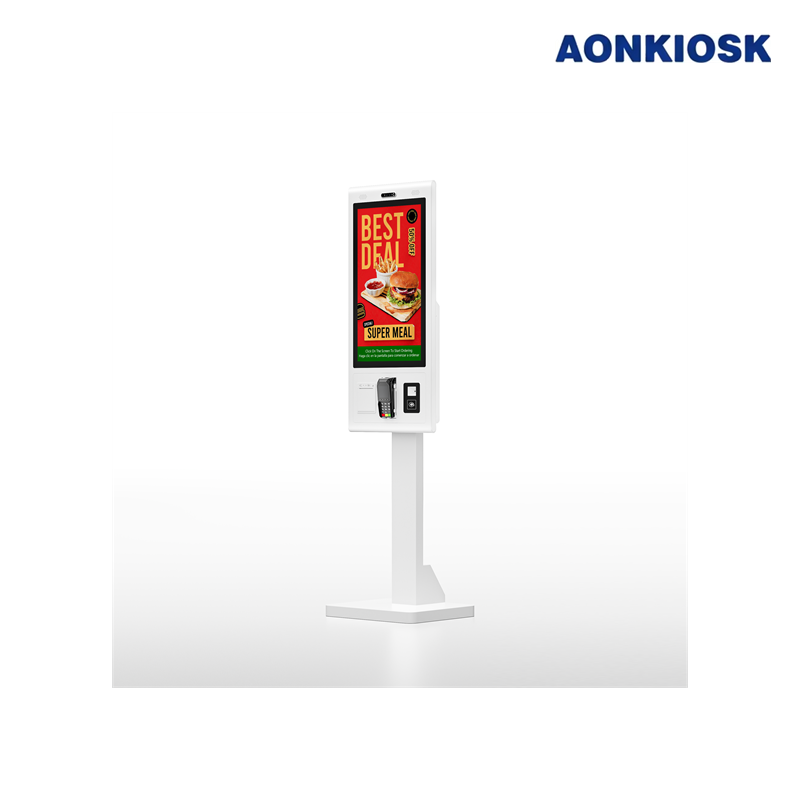
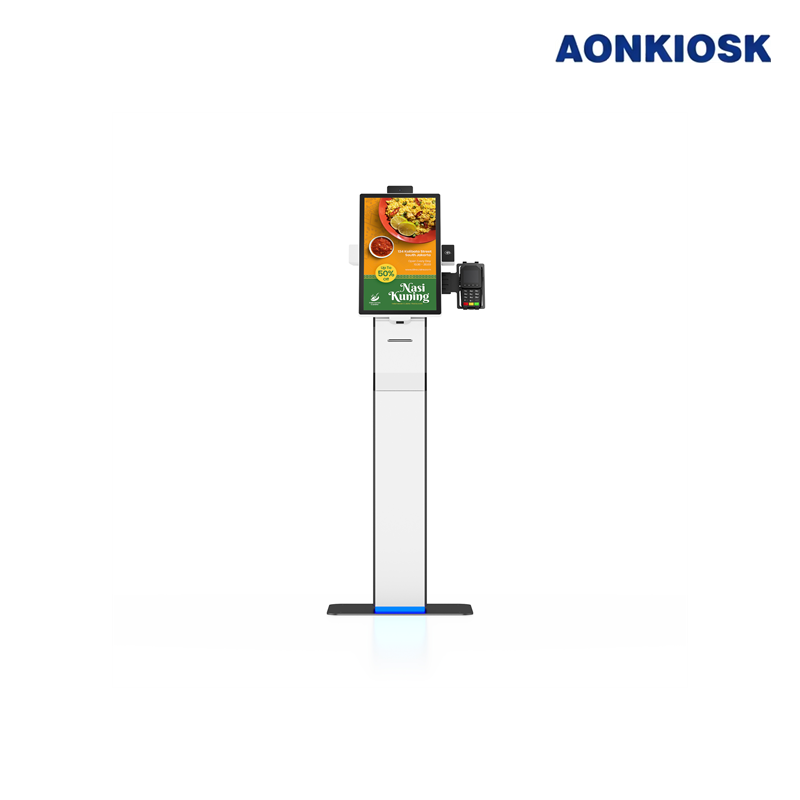
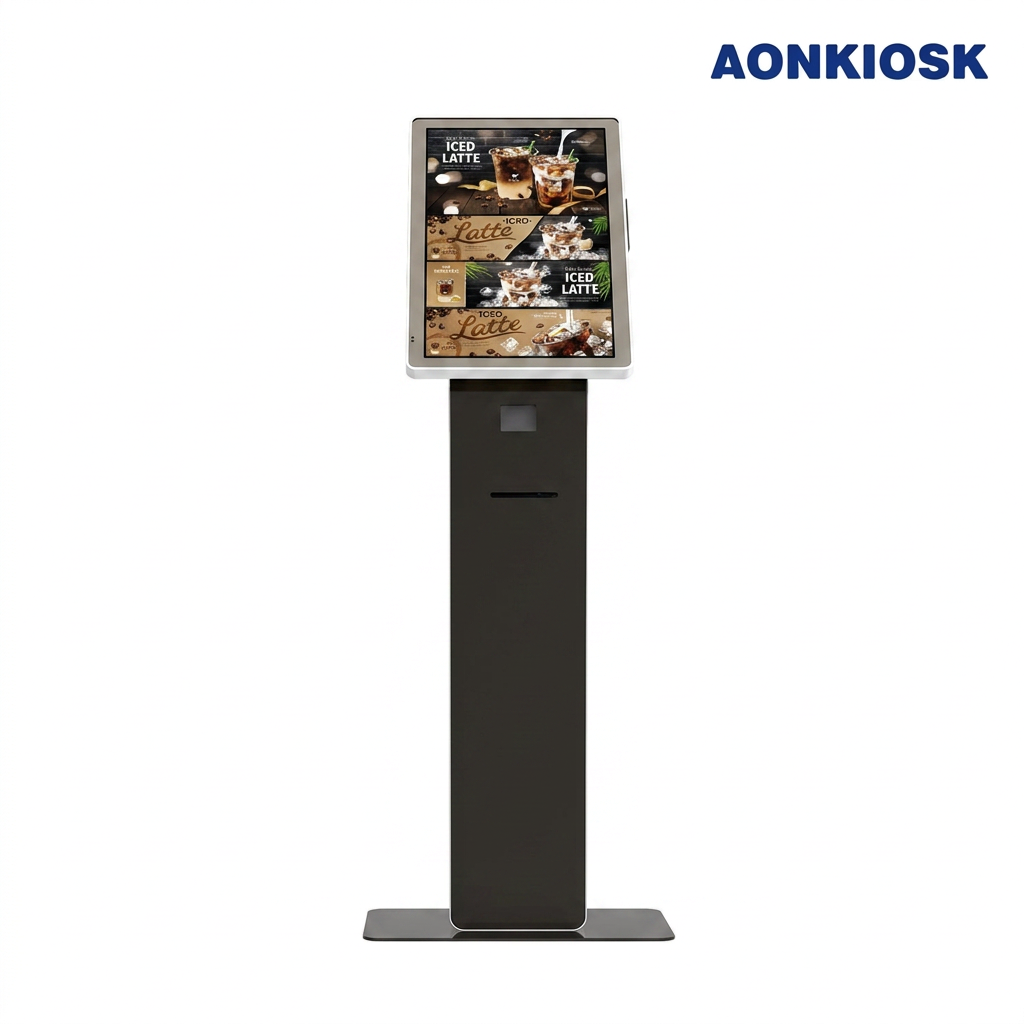
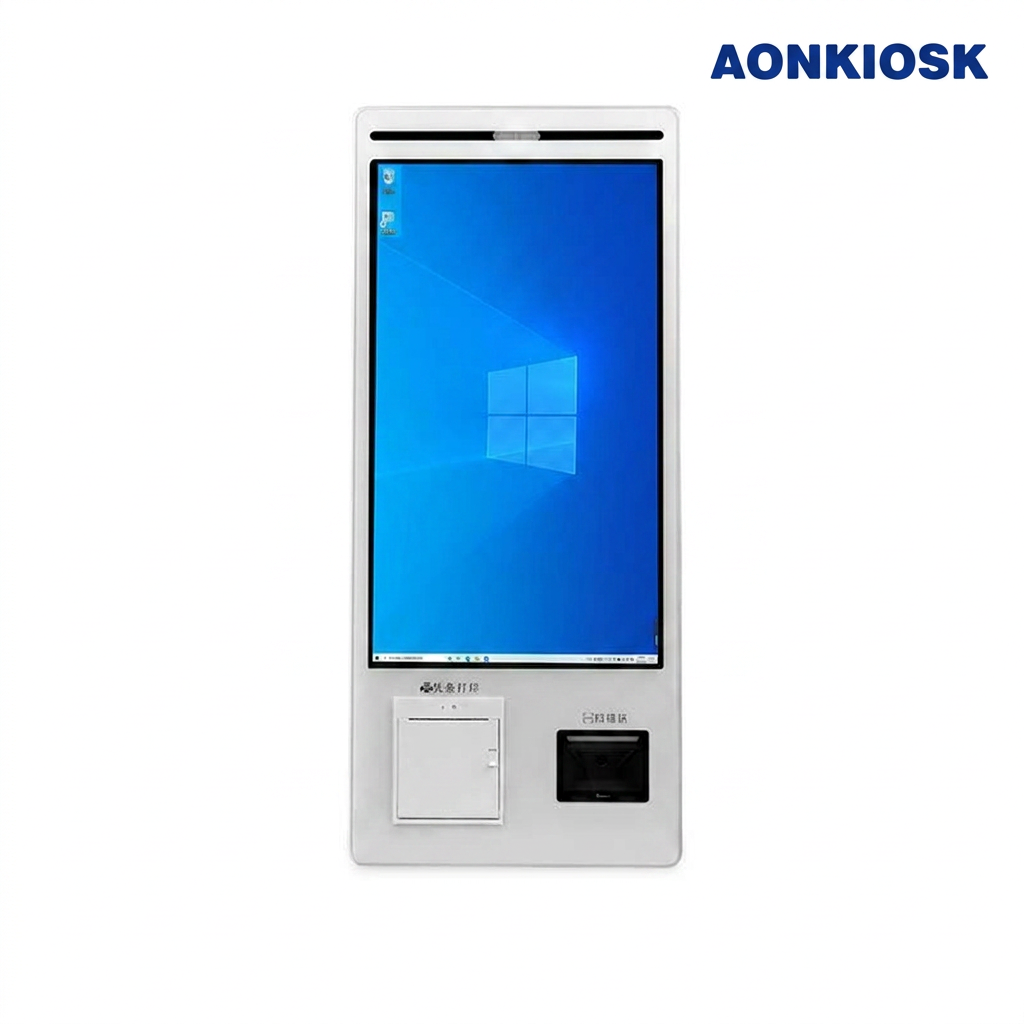
A restaurant self-ordering kiosk is an interactive touchscreen terminal that allows customers to browse the menu, customize their meals, place orders, and complete payment without assistance from staff. AONKIOSK designs commercial-grade self-ordering kiosks for QSRs, cafés, food courts, and full-service restaurants, helping businesses improve efficiency while enhancing the customer experience.
How does a self-ordering kiosk work?
Customers simply select menu items on the touchscreen, customize their order, review the cart, complete payment (if payment integration is enabled), and receive an order number. The order is automatically transmitted to the POS system or kitchen display system (KDS) for preparation, reducing manual order entry and improving accuracy.
3. What types of restaurants can use self-ordering kiosks?
Restaurant self-ordering kiosks are suitable for:
- Quick Service Restaurants (QSR)
- Fast Casual Restaurants
- Cafés & Coffee Shops
- Bubble Tea Stores
- Pizza Restaurants
- Burger Chains
- Food Courts
- Bakeries
- Dessert Shops
- Hotel Restaurants
AONKIOSK offers OEM/ODM kiosk solutions that can be customized for virtually any food service environment.
4. What are the benefits of installing self-ordering kiosks?
Restaurant kiosks help businesses:
- Reduce labor costs
- Shorten waiting times
- Increase ordering accuracy
- Improve customer satisfaction
- Enable visual upselling
- Handle peak-hour traffic more efficiently
- Support multilingual ordering
- Provide consistent ordering experiences
Many restaurants also report higher average order values due to intelligent product recommendations.
5. Can AONKIOSK kiosks integrate with POS systems?
Yes. AONKIOSK hardware is designed for easy integration with most mainstream POS systems through software partners. Our kiosks support Windows, Android, and Linux platforms, allowing software developers to deploy customized ordering applications based on their preferred POS ecosystem.
6. Do the kiosks support cashless payments?
Yes. AONKIOSK self-ordering kiosks can integrate with various payment devices, including:
- EMV card readers
- NFC contactless payment
- Apple Pay
- Google Pay
- QR code payment
- Mobile wallets
Payment module selection depends on the target market and customer requirements.
7. Can customers customize their orders?
Absolutely. Customers can easily:
- Add or remove ingredients
- Select meal sizes
- Choose cooking preferences
- Add toppings
- Select combo meals
- Leave special instructions
This helps reduce ordering mistakes while giving customers greater control over their meals.
8. Are restaurant kiosks difficult to use?
No. Modern self-ordering kiosks feature intuitive touchscreen interfaces with clear navigation, large buttons, product images, and simple checkout processes. Most customers can complete an order within minutes without staff assistance.
9. Can the kiosk display multiple languages?
Yes. AONKIOSK hardware fully supports multilingual software interfaces. Restaurants serving international customers can offer menus in multiple languages, making ordering easier and improving the overall dining experience.
10. Can self-ordering kiosks increase restaurant revenue?
Yes. Self-ordering kiosks often increase average ticket size through visual merchandising and automated upselling. Suggested add-ons, combo upgrades, desserts, and beverages are displayed during the ordering process, encouraging additional purchases without staff intervention.