





AONKIOSK Restaurant Self-Service Solutions
Transform Restaurant Operations with Smart Self-Service Kiosks
Give guests a simple way to browse the menu, customize an order, and move to payment. AONKIOSK designs and manufactures configurable kiosk hardware for quick-service restaurants, cafés, food courts, and multi-location operators.

Built for Different Restaurant Formats
The right kiosk depends on service style, order volume, available space, and where guests join the queue. Start with the setting that looks most like yours.
Quick Service Restaurants
Add self-ordering capacity at busy counters and keep menu choices clear during peak periods.
Fast Casual Restaurants
Let guests review ingredients, modifiers, and combinations at their own pace.
Cafés & Coffee Shops
| Support drinks, sizes, extras, and pickup workflows in compact spaces.
Food Courts
| Place ordering points where customers can discover menus and complete routine orders.
Canteens & Dining Halls
Configure ordering and payment hardware for staff, student, or visitor dining.
Stadiums & Event Venues
| Plan durable ordering stations around concentrated demand and venue layouts.
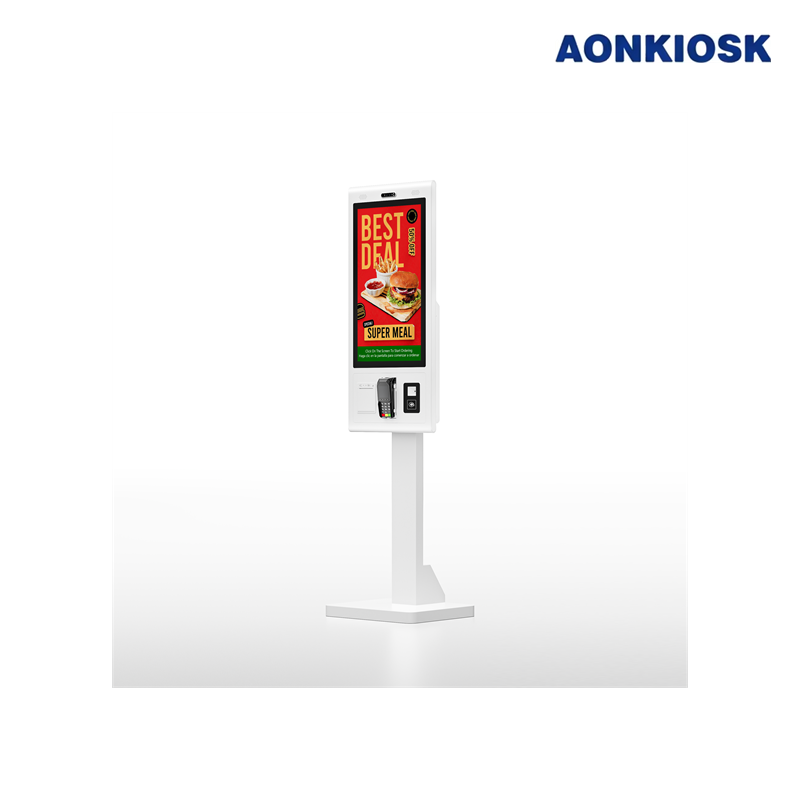
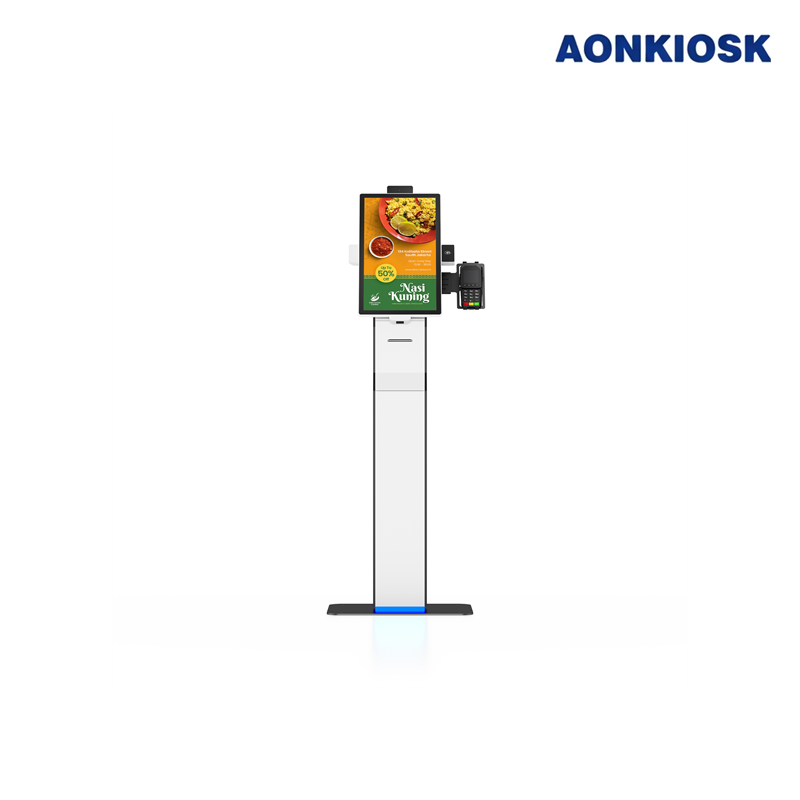
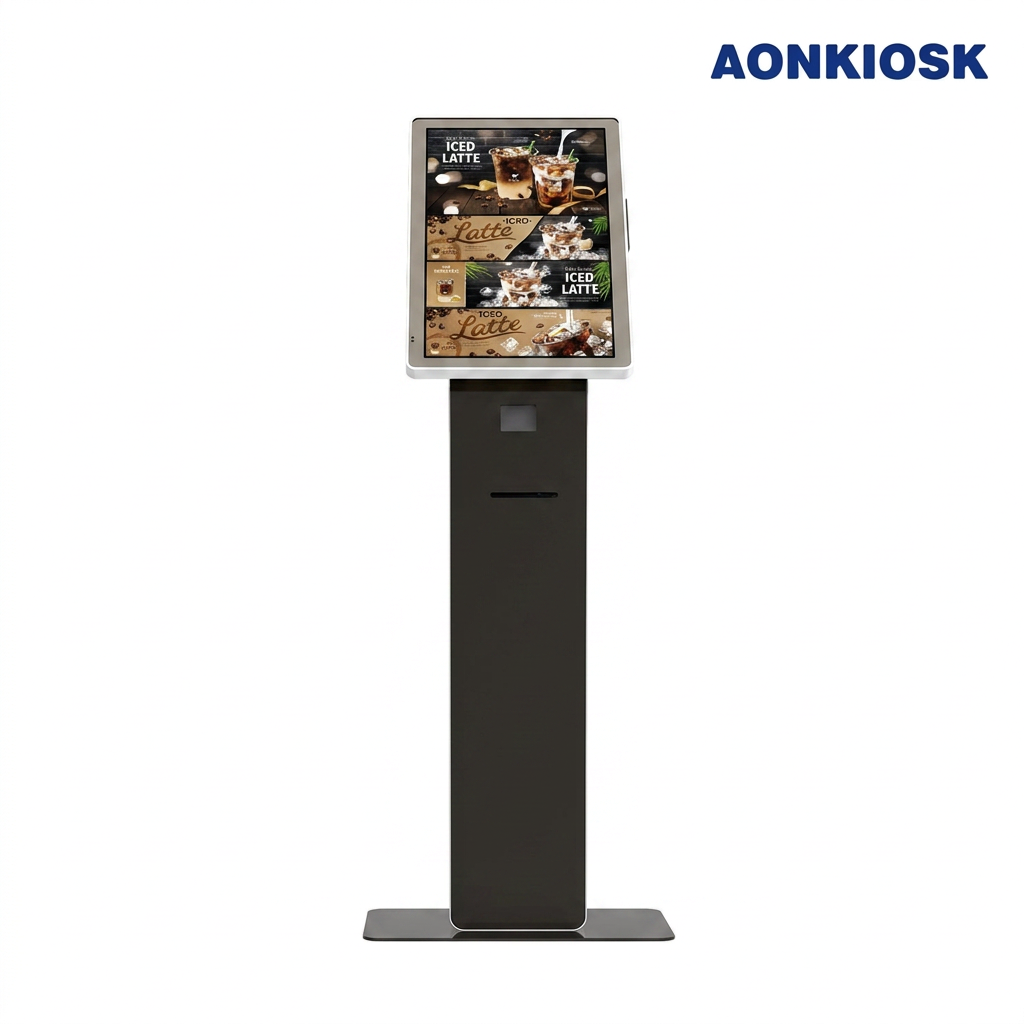
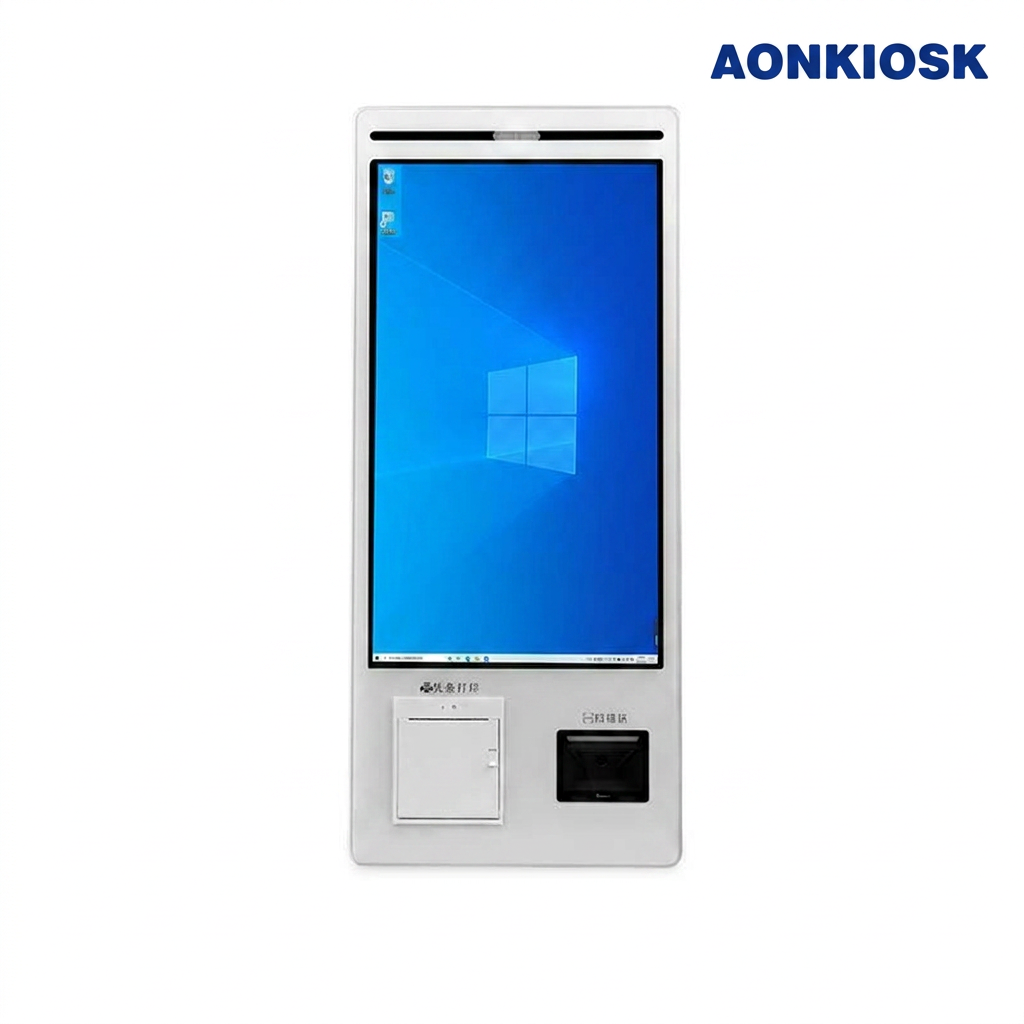
Choose a Kiosk That Fits Your Space
Compare installation styles and discuss the options needed for your software, payment provider, and service flow. Specifications vary by configuration.
From Customer Order to Kitchen Handoff
A successful kiosk project connects the physical ordering point to the restaurant's existing operations. AONKIOSK supplies the configurable hardware and works with your software and payment partners to plan the required interfaces.
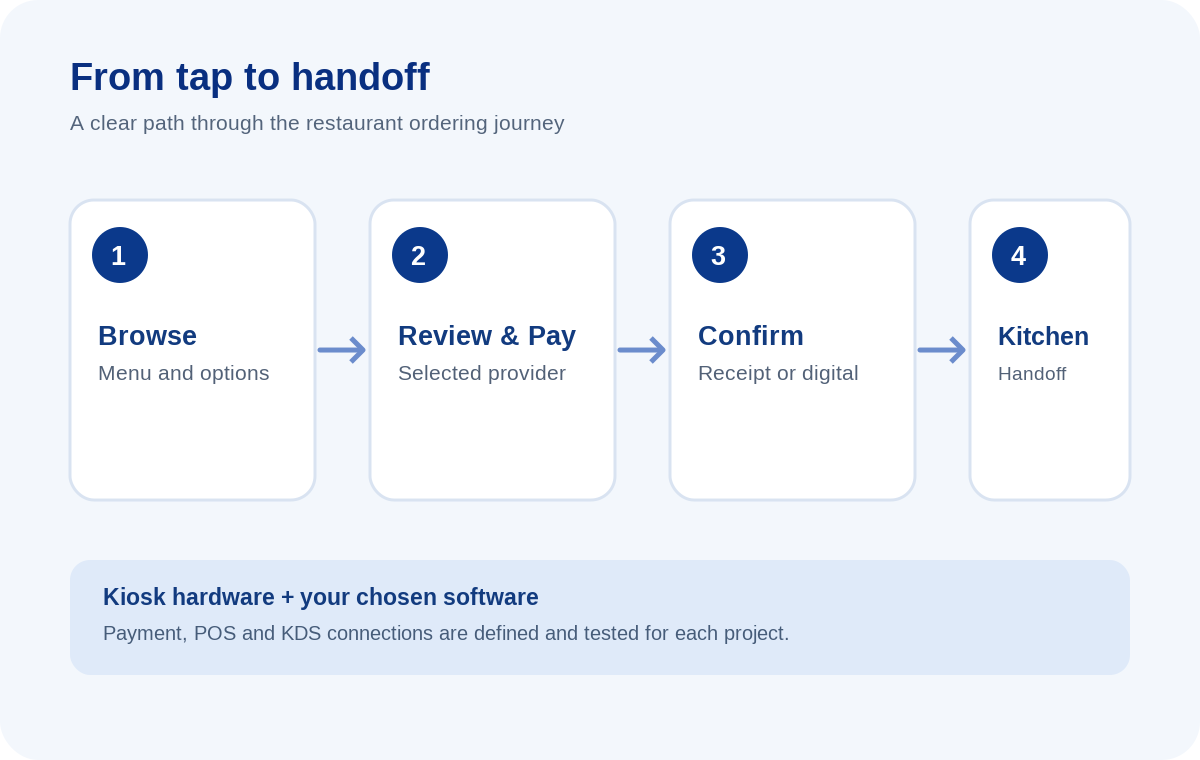
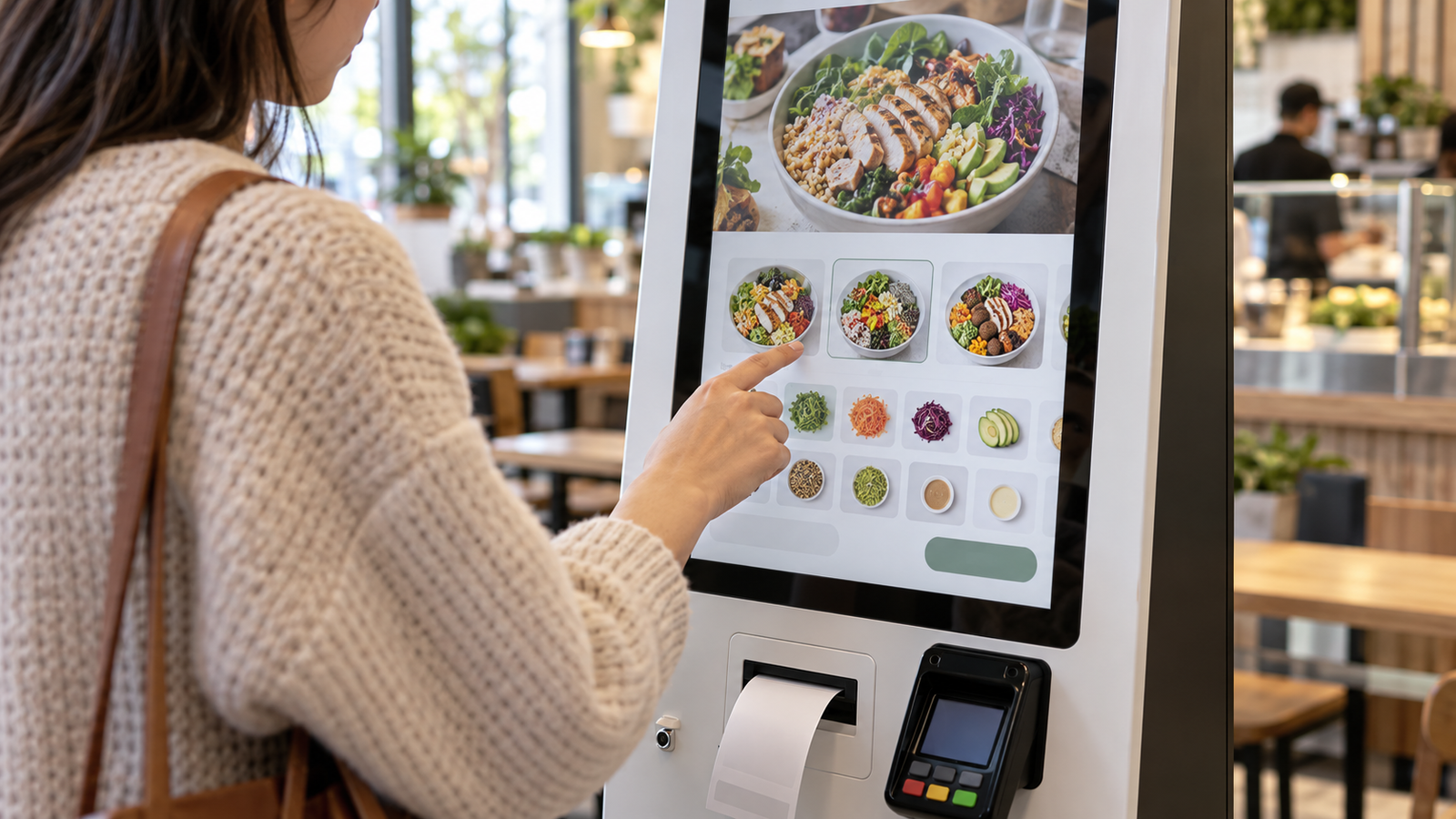
Browse and Customize
Give guests a touch display for menu discovery, item selection, and order review through your chosen ordering application.
Take Payment
Position compatible third-party payment terminals and optional scanners around the checkout flow. Payment availability depends on the selected device, provider, and market.
Confirm the Order
Add an optional receipt printer or digital confirmation flow, as supported by the application.
Send to the Kitchen
Define how orders pass from the kiosk application to POS and kitchen-display systems with your software team.
Support Daily Operations
Plan network access, service panels, peripherals, and remote-management requirements before rollout.
Hardware Options Designed for Restaurant Service
Select the components your guest journey actually needs. Our team can help translate software and operational requirements into a practical kiosk configuration.
Touch displays: Choose a size and orientation suited to menu content and viewing distance.
Mounting formats: Consider floor-standing, desktop, or wall-mounted installations by model.
Payment-device placement: Plan a secure, reachable position for a compatible third-party terminal.
Scanning and printing: Add QR/barcode scanning and receipt printing where the workflow calls for them.
Operating-system options: Android and Windows configurations are available on selected models; confirm versions and software requirements during scoping.
Brand and enclosure options: Review cabinet color, logo treatment, and mechanical changes through OEM/ODM service.
Service access: Consider paper replacement, cleaning, cable routing, and maintenance access before deployment.
Make Peak-Hour Service Easier to Manage
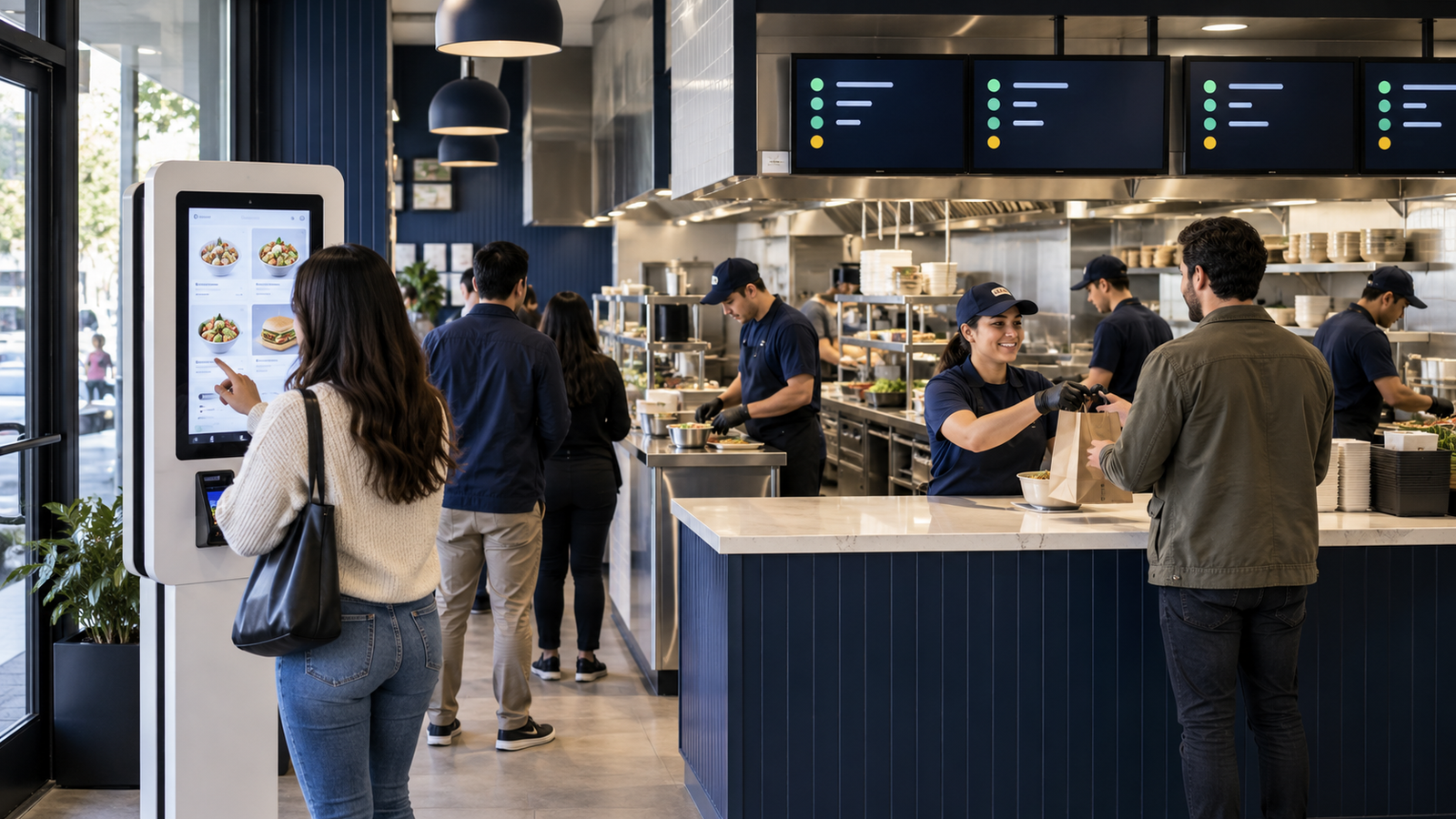
Self-ordering gives guests another place to begin an order while staff focus on preparation, pickup, and questions that need personal attention. Clear on-screen modifiers can make the customer’s choices easier to review before checkout. The impact on queues, labor, and basket value depends on store layout, staffing, software design, and adoption, so results should be measured in a pilot rather than promised in advance.
More ordering capacity
Position kiosks where they can complement the staffed counter.
Clearer order review
Let guests check items and modifiers before submission.
A repeatable rollout
Define one tested hardware configuration before expanding across sites.
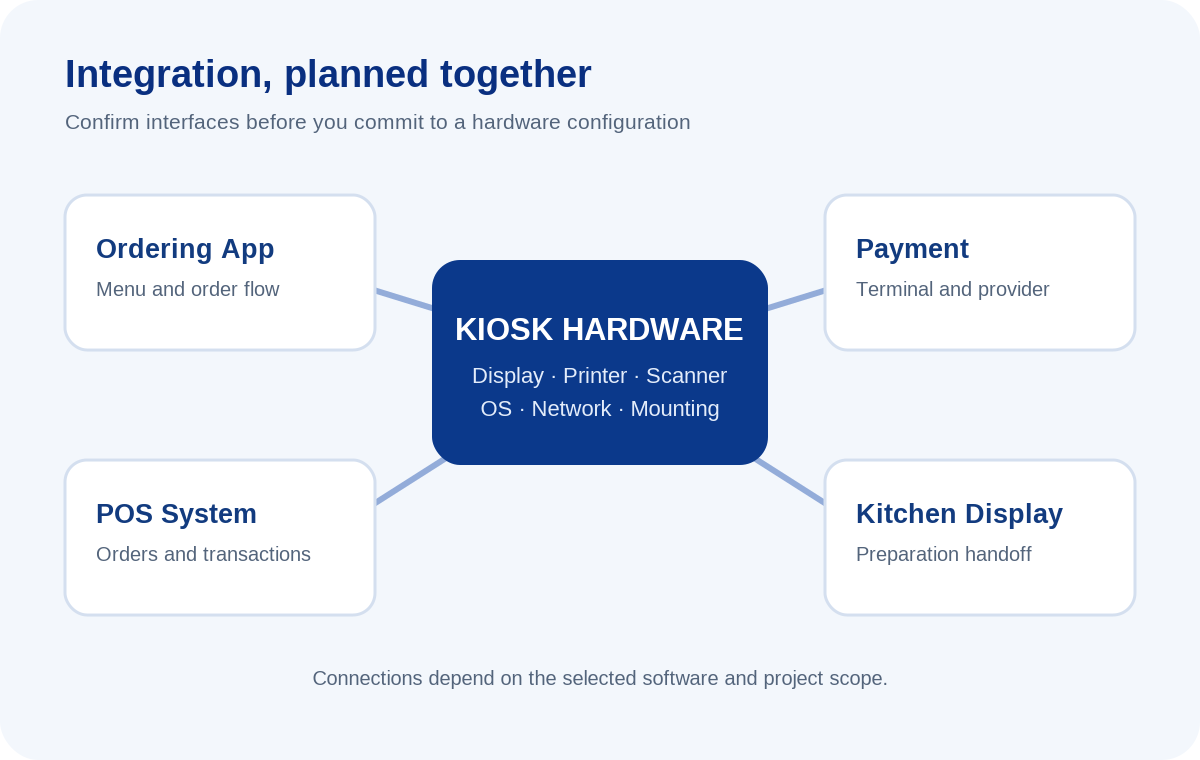
Plan Integration Before You Deploy
Restaurant technology stacks differ. Before confirming hardware, we review your ordering application, operating system, payment terminal, network, receipt printer, scanner, and any POS or kitchen-display connections. Your software provider remains responsible for application logic and data synchronization; AONKIOSK helps specify and test the hardware interfaces in scope.
- Ordering app and OS requirements
- POS and KDS connection method
- Payment terminal and provider requirements
- Scanner, printer, and other peripheral interfaces
- Network, power, and installation constraints
- Pilot acceptance criteria and support responsibilities
The Four Steps of a Practical Rollout
Discover
Share the restaurant format, customer journey, and installation constraints.
Configure
| Select the model, screen, OS, peripherals, and mounting style.
Validate
Test the chosen hardware with your application and payment setup.
Deploy
Confirm production, packaging, installation, and support plan.
- FAQS
Can a kiosk work with our existing POS system?
Possibly. Compatibility depends on your POS software, available APIs or connectors, the chosen operating system, and the order flow. Share your POS vendor and integration requirements so we can review the hardware interfaces with your software team.
Which payment methods can the kiosks support?
The hardware can be configured for compatible third-party payment terminals, card readers, or QR scanners. The payment methods available to guests depend on the terminal, payment provider, software, and country of deployment.
Can the kiosk match our brand and menu?
We can discuss enclosure color, logo placement, screen size, and mounting style through OEM/ODM customization. Menu design and ordering-interface changes are handled in the selected software application.
Can we manage menus remotely?
Remote menu management is a software-platform feature. If your chosen application supports it, we can review the kiosk hardware, network, and operating-system requirements needed for deployment.
Is this suitable for a restaurant chain?
Yes, the hardware can be configured as a repeatable specification for multiple sites. We recommend testing one configuration in a pilot location before agreeing on a broader rollout.
What information do you need to recommend a model?
Tell us your restaurant format, available floor or counter space, preferred screen size, ordering software, payment provider, required peripherals, target country, and expected quantity.
- Certifications
Partner With Us
Backed by over a decade of expertise in POS hardware and commercial touch systems, we engineer every kiosk for performance and reliability. Our products are built to meet the demands of high-traffic environments, with strict quality control and global deployment experience built in.
- info@aonpostech.com
- +86 15999943922
- Room 605A, East Block, Nanyuan Keji Building, No. 2-9 MinbaoRoad, Longhua District, Shenzhen City, Guangdong Province