





FAQ - Retail & Payment Kiosks
1. What is a retail and payment kiosk?
A retail and payment kiosk is a self-service terminal that allows customers to make purchases, pay bills, print receipts, or access services without needing direct assistance from staff. These kiosks can handle transactions for retail stores, restaurants, transportation, and utility payments.
2. How do retail and payment kiosks work?
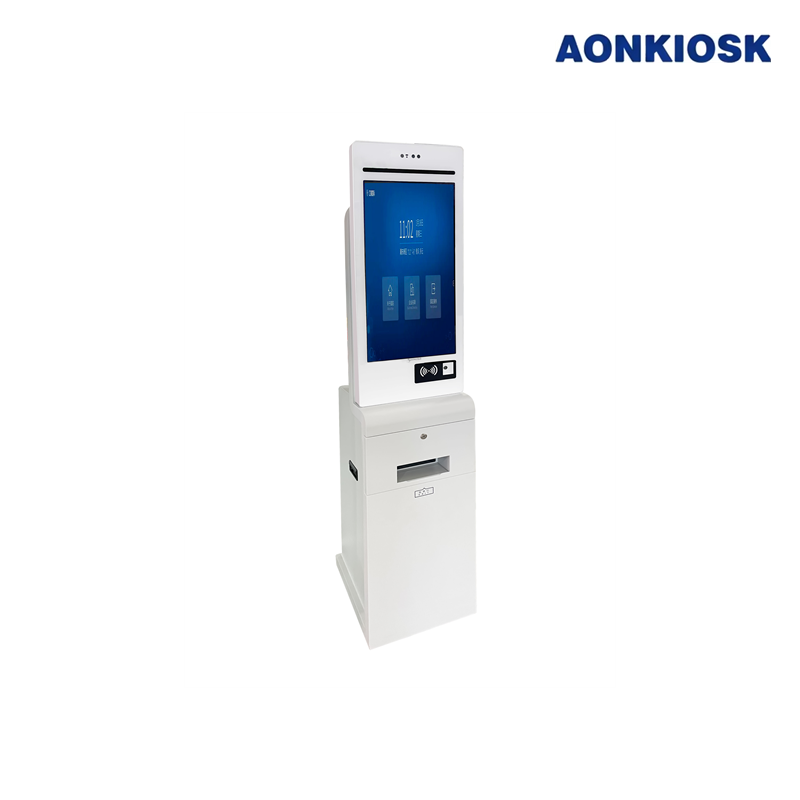
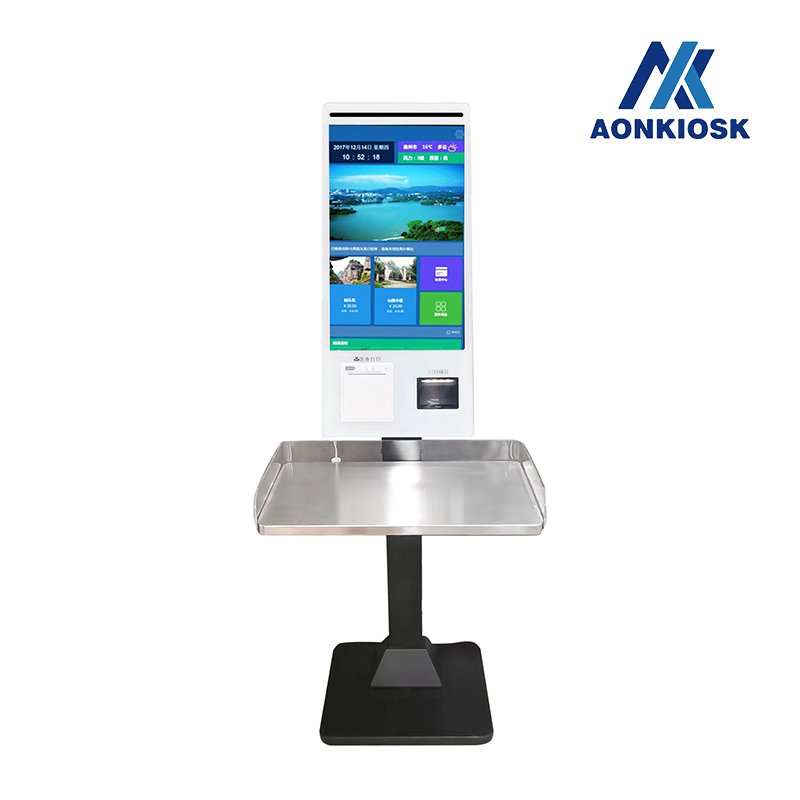
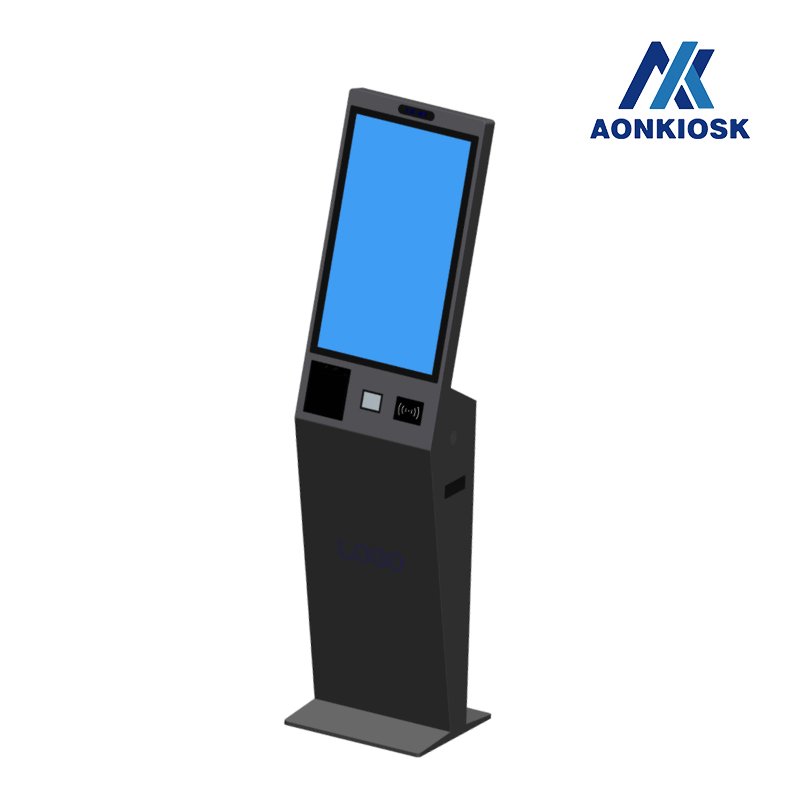
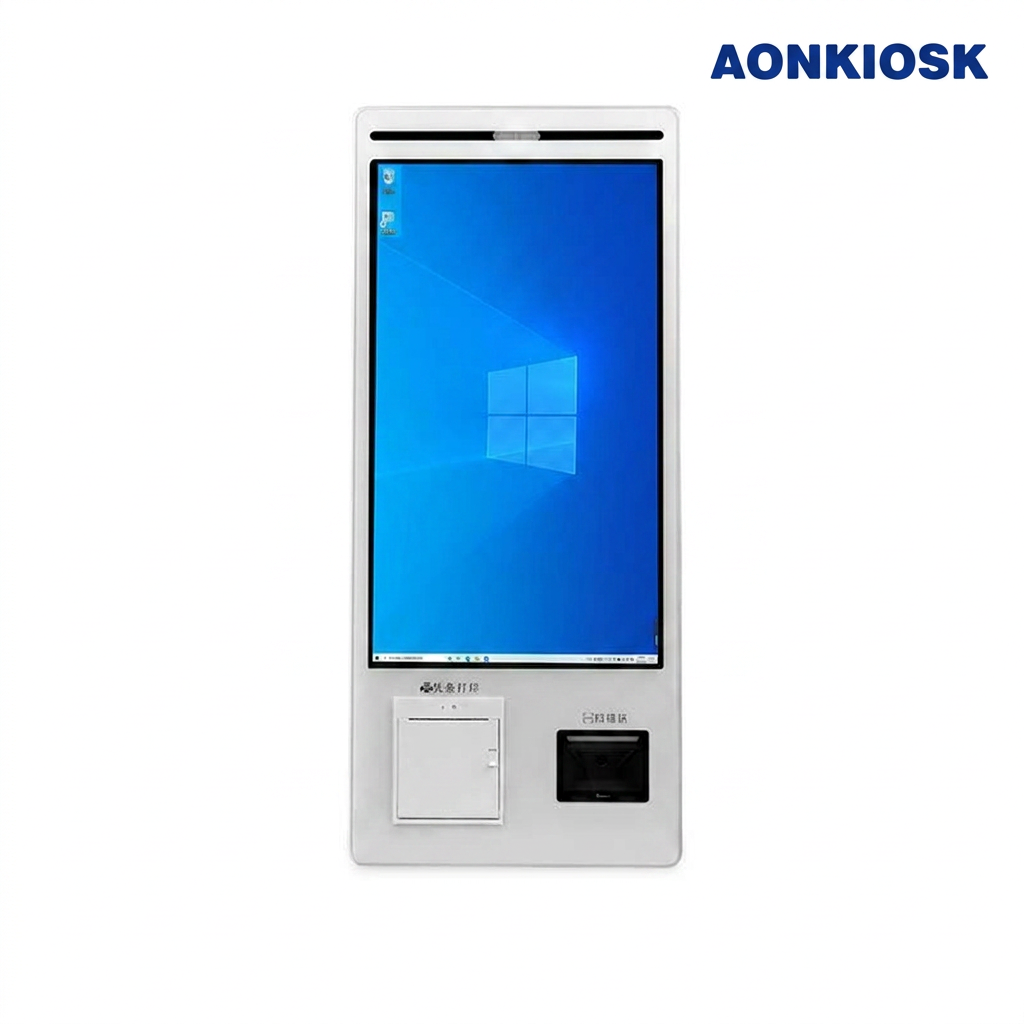
These kiosks are typically equipped with touchscreens, barcode scanners, card readers, and receipt printers. Customers select the products or services, enter payment information, and the kiosk processes the transaction securely, often in real time.
3. What types of payments can be accepted at kiosks?
Most kiosks accept multiple payment methods, including credit/debit cards, mobile payments (Apple Pay, Google Pay), cash, QR codes, and sometimes even loyalty points or gift cards.
4. Are retail kiosks secure for transactions?
Yes, modern kiosks use encryption and comply with PCI-DSS standards to protect cardholder data. Some also incorporate biometric verification or secure PIN entry to enhance security.
5. What are the main benefits of using a kiosk in retail?
- Reduces waiting times and lines
- Offers 24/7 service in some locations
- Improves accuracy and reduces human error
- Provides analytics on customer behavior and preferences
- Frees staff to focus on higher-value tasks
6. Can kiosks integrate with existing retail systems?
Yes, most kiosks can integrate with POS systems, inventory management, and CRM platforms. This ensures real-time updates on stock, sales data, and customer accounts.
7. How do customers get help if something goes wrong at a kiosk?
Kiosks often include on-screen guidance, a help button, or a call/video link to customer support. Some also have built-in diagnostics to detect errors and guide staff to resolve issues quickly.
8. Are kiosks customizable for different industries?
Absolutely. Kiosks can be tailored with specific software, branding, payment options, and peripheral devices to suit retail, food service, transportation, banking, healthcare, and utility sectors.
9. What maintenance is required for kiosks?
Regular maintenance includes software updates, hardware checks, cleaning, and peripheral inspections (e.g., printers, card readers, scanners). Some kiosks also offer remote monitoring for real-time alerts about technical issues.
10. Can kiosks help businesses increase sales?
Yes. Kiosks encourage upselling, reduce wait times (improving customer satisfaction), collect data for personalized promotions, and allow businesses to operate outside traditional store hours, all contributing to increased revenue.