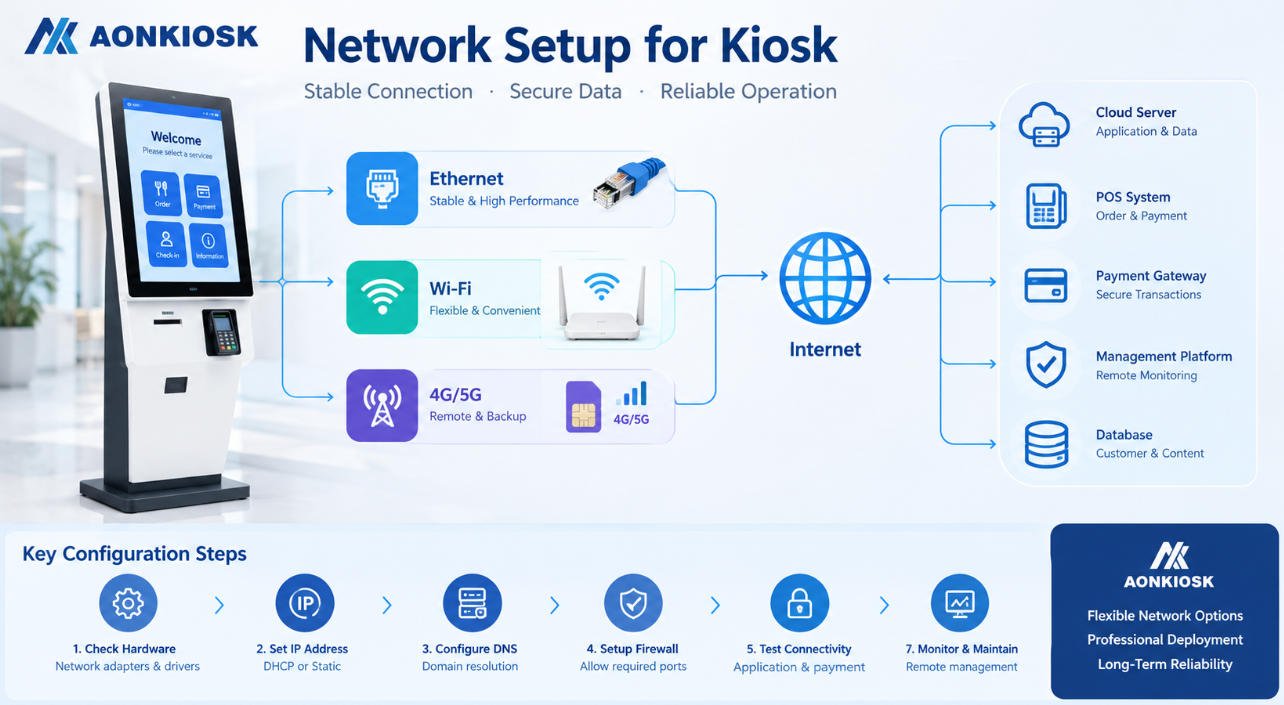
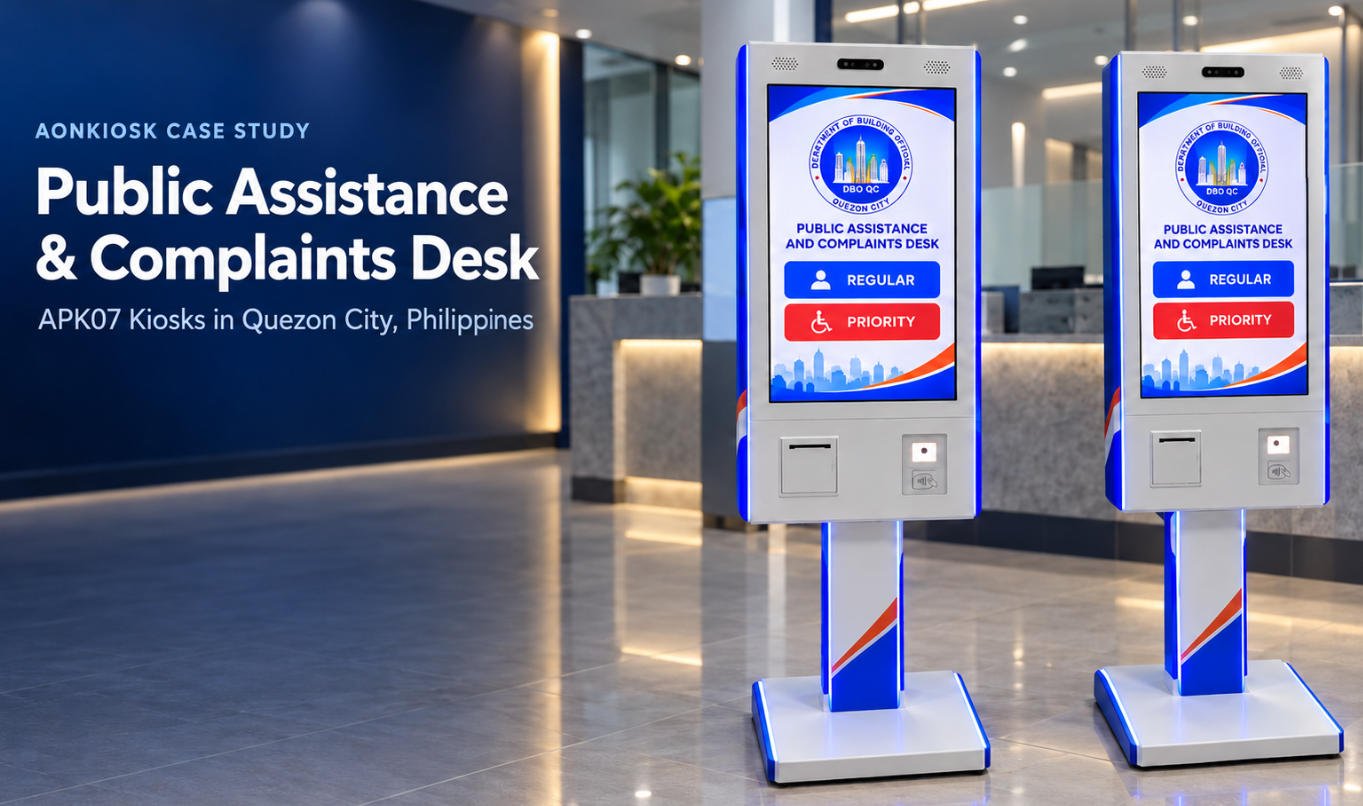
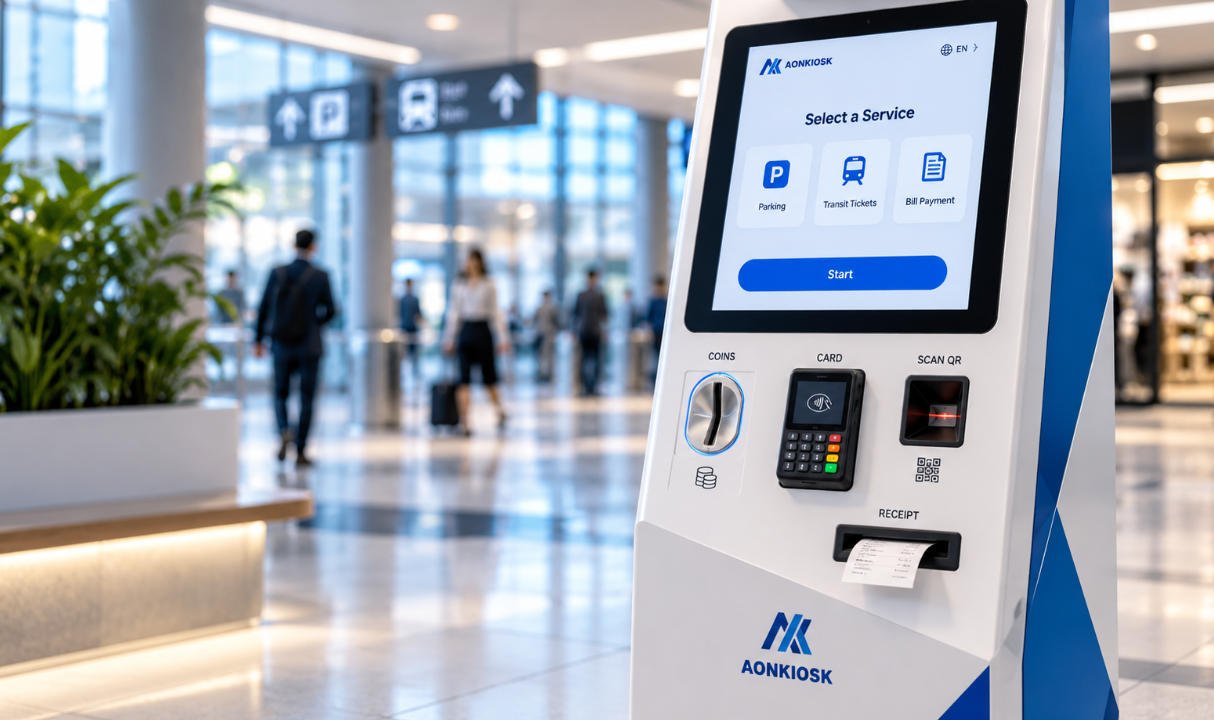
Launching an OEM self-service kiosk project is not simply a matter of finding a factory that can build a metal cabinet. A successful kiosk must bring together industrial design, hardware compatibility, thermal management, payment integration, usability, testing, production control, and long-term support. The manufacturer you choose will directly affect your product quality, time to market, project cost, and brand reputation.
For software companies, POS solution providers, system integrators, distributors, and operators, choosing the right self service kiosk manufacturer is therefore a strategic decision. A capable partner does more than assemble components. They help turn an application, workflow, or business idea into reliable, deployment-ready hardware that can perform in demanding real-world environments.
This guide explains what to evaluate when selecting a custom kiosk manufacturer for an OEM project—and how to reduce risk before your first prototype is built.
Start with Your Deployment Requirements, Not a Product Catalog
The first step is to define what the kiosk must accomplish in the field. An attractive standard model may look suitable online, but an OEM project rarely succeeds when the hardware is selected before the workflow is understood.
Begin by documenting the environment, target users, transaction flow, software platform, required peripherals, and expected deployment volume. Consider questions such as:
- Will the kiosk be installed indoors, semi-outdoors, or outdoors?
- Does it need to operate continuously in a high-traffic location?
- Will users order food, check in, make payments, print tickets, scan IDs, or access information?
- Which payment terminal, printer, scanner, camera, or biometric device must be integrated?
- Does the system require floor-standing, wall-mounted, countertop, or custom mounting?
- What accessibility, security, and maintenance requirements apply?
- How many units will be required for a pilot and a full rollout?
For example, a restaurant kiosk may prioritize intuitive touch interaction, payment integration, receipt printing, and a compact footprint. A retail self-checkout system may additionally require barcode scanning, weighing equipment, anti-theft modules, and easy access for store staff. A ticketing kiosk at a transport hub may need rugged construction, higher uptime, and rapid printer servicing.
A manufacturer that understands application-specific hardware can guide this early stage effectively. AONKIOSK develops hardware for multiple deployment scenarios, including restaurant self-ordering kiosks, retail and payment applications, ticketing, healthcare, travel, and public services. This type of experience helps prevent costly design changes later.
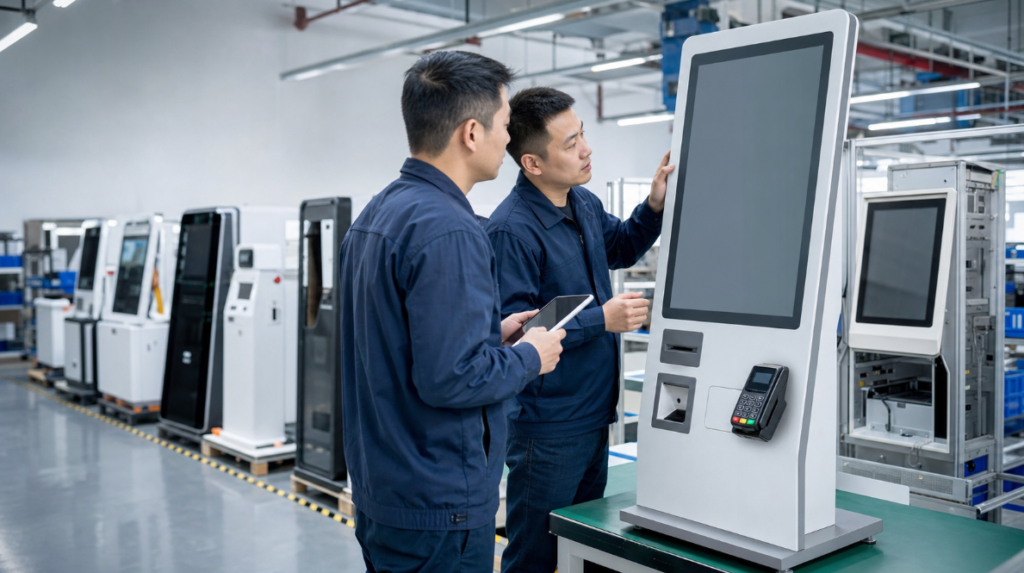
Choose a Manufacturer That Specializes in Complete Kiosk Hardware
Not every metal fabricator or display assembler is a true self service kiosk manufacturer. A kiosk is a system, not just an enclosure. It must securely accommodate commercial electronics, enable safe cable routing, support maintenance access, manage heat, protect high-value peripherals, and provide a consistent user experience.
A specialized OEM partner should be able to discuss:
- Industrial and mechanical design
- Internal layout and component placement
- Touchscreen selection and mounting
- Thermal design and ventilation
- Power distribution and electrical safety
- Cable management
- Service doors, locks, and access panels
- Peripheral integration and compatibility
- Packaging for international shipment
- Prototype validation and production testing
This knowledge is especially important when the kiosk includes payment terminals, thermal printers, passport scanners, barcode readers, cameras, card dispensers, NFC readers, or RFID modules. Small engineering details can determine whether the device is easy to maintain or repeatedly fails in the field.
A capable OEM kiosk supplier should identify integration risks before production begins. For instance, a printer may need a specific paper-roll access path; a payment terminal may require a precise mounting angle; a high-performance PC may require additional airflow; and a public-facing kiosk may need reinforced doors and tamper-resistant hardware.
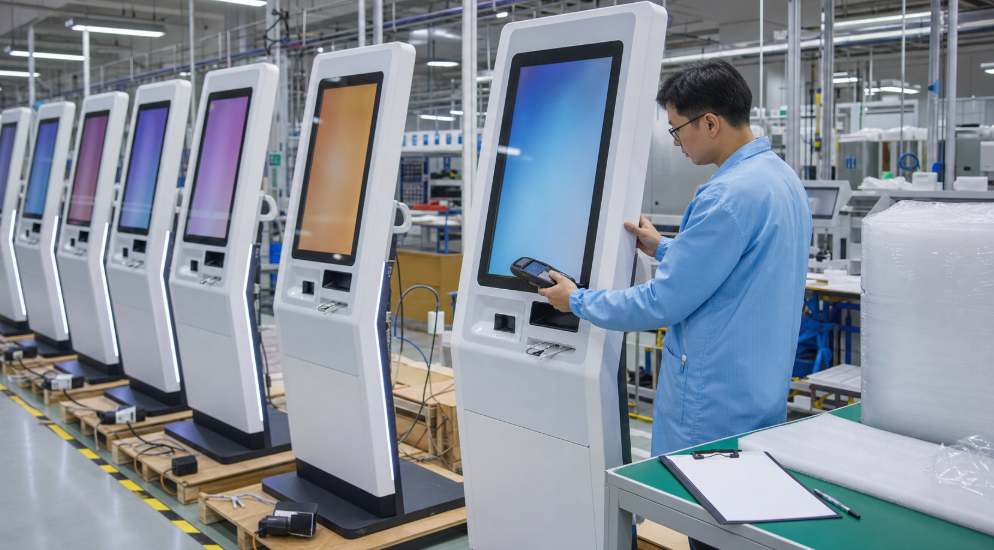
Rather than treating the factory as a passive supplier, look for a partner that can evaluate design feasibility and recommend practical improvements. AONKIOSK’s OEM and ODM kiosk manufacturing services describe a complete path from requirements discussion and engineering evaluation to 3D design, prototyping, testing, mass production, quality inspection, and global shipping.
Evaluate Customization Depth, Not Just Logo Printing
“Customization” can mean very different things. Some suppliers only offer branding, color changes, or minor modifications to a standard cabinet. Others can develop a product around your actual operational requirements.
When choosing a custom kiosk manufacturer, ask exactly which elements can be changed. A strong OEM partner should be able to support customization across several areas:
- Cabinet size, shape, material, and mounting method
- Display size, brightness, and touch technology
- Color, logo, silk printing, and surface finish
- CPU platform, memory, storage, and operating system
- Payment terminal, NFC, QR-code, and card-reading options
- Printer type and paper-roll capacity
- Barcode, ID, passport, or document scanner integration
- Camera, microphone, speaker, and accessibility components
- Locks, service doors, and internal security design
- Indoor, semi-outdoor, or outdoor protection levels
However, deeper customization should be based on a clear business case. A fully unique enclosure can provide differentiation, but it may increase tooling cost and extend the development timeline. In many cases, modifying an existing platform provides a better balance between brand identity, speed, and budget.
A responsible manufacturer should explain those trade-offs openly. Ask whether existing chassis platforms can be adapted and which requirements would need new tooling, structural redesign, or additional testing. This transparency is a sign that the supplier is focused on long-term project success rather than simply winning an order.

Assess Engineering and Prototype Capabilities
An OEM kiosk should never move directly from a concept drawing to a large production order. Prototyping is the stage where you verify whether the kiosk works as intended with your actual software, peripherals, users, and installation environment.
A reliable OEM kiosk supplier should provide a structured development process that includes:
- Requirements review and risk assessment
- Engineering drawings or 3D design
- Component selection and compatibility confirmation
- Prototype assembly
- Functional testing and software-hardware integration
- Customer review and user acceptance testing
- Design refinement
- Production approval
During prototype evaluation, test more than the visual appearance. Check the screen angle, reachability of payment devices, scanner performance, receipt output, door access, cable stability, noise, heat generation, and technician service time. If the kiosk will be used by the public, assess whether the workflow is understandable without assistance.
You should also confirm how the hardware behaves under realistic conditions. Does the printer remain accessible during a paper replacement? Can staff restart the device safely? Does the display remain readable under strong ambient light? Are peripheral cables protected from accidental damage? Is the cabinet stable when users interact with it?
For larger deployments, request clear documentation of the approved configuration. This should include the bill of materials, drawings, peripheral models, software image requirements, color standard, branding instructions, and inspection criteria. A controlled specification prevents unexpected differences between prototype and mass-produced units.
Make Quality Control and Compliance Part of Your Supplier Checklist
A kiosk can look premium on delivery yet become a liability if quality control is weak. The most important question is not whether a supplier “has QC,” but how quality is controlled at every stage.
Ask your manufacturer about incoming quality control for raw materials and electronic components, in-process inspection during assembly, final functional testing, and outgoing checks before shipment. A good supplier should be able to explain what is verified and how records are maintained.
For OEM projects, useful quality questions include:
- Are incoming components checked before assembly?
- Are wiring, grounding, and power connections inspected during production?
- Is every kiosk powered on and functionally tested?
- Are touchscreens, printers, scanners, speakers, cameras, and payment mounts checked?
- Is burn-in or aging testing available?
- Are serial numbers used for traceability?
- Can the supplier provide Factory Acceptance Test and Quality Inspection reports?
- How are non-conforming units handled and documented?
AONKIOSK’s quality and certifications page outlines an IQC, IPQC, FQC, and OQC quality-control structure, together with 72-hour stress testing, serial traceability, and batch-level documentation. For an OEM buyer, these are meaningful indicators because they improve visibility into production quality and simplify issue tracing after deployment.
Compliance should also be discussed early. Depending on the market and kiosk configuration, you may need CE, FCC, RoHS, RED, electrical safety documentation, or environmental ratings. Do not assume that one certificate applies to every custom configuration. Ask what documentation applies to the specific model, electronics, wireless components, and destination market.
Verify Reliability for the Actual Environment
The required kiosk design changes substantially depending on where it will be used. A touchscreen terminal in a quiet indoor store has different demands from a public ticketing unit operating all day in a station or a weather-resistant kiosk installed outdoors.
For high-traffic or public-facing environments, evaluate:
- Cabinet rigidity and anti-vandal construction
- Locking systems and protection for internal components
- Display durability and glass type
- Dust and water resistance
- Cooling, airflow, and operating-temperature range
- Brightness and readability in ambient light
- Stable floor mounting or wall fixing
- Maintenance access and replacement-part availability
If the project needs a rugged or outdoor solution, ask whether the manufacturer can provide specific IP or IK performance evidence rather than relying on general descriptions. For example, IP ratings relate to ingress protection against dust and water, while IK ratings address impact resistance. The right requirement depends on the deployment environment, not on a marketing label.
For transportation, entertainment, and public-service settings, uptime and serviceability are particularly valuable. A small improvement in door access, component replacement, or remote diagnostics can save significant operational cost over hundreds of units.
Compare Total Project Value, Not Only Unit Price
Price matters, but the lowest unit price is often not the lowest project cost. An inexpensive kiosk may create additional expense through redesigns, inconsistent components, shipping damage, excessive maintenance, or failed deployments.
When comparing quotations, ensure that each supplier is pricing the same configuration. Review the display, touch technology, PC specification, printer model, scanner model, payment-terminal mounting, cabinet material, coating, packaging, warranty, and included documentation.
It is also important to separate one-time development costs from recurring unit costs. Tooling, engineering design, prototypes, and special testing may involve upfront investment. However, these costs can be justified if they reduce field failures and support a more scalable product line.
Ask for transparency on:
- Prototype cost and lead time
- Non-recurring engineering or tooling charges
- Minimum order quantities
- Unit pricing at different volume levels
- Component availability and alternatives
- Production lead time
- Packaging and shipping options
- Warranty coverage and replacement-part policy
For new market launches, flexible low-volume production can be especially valuable. A pilot deployment allows you to validate customer adoption, software performance, and operational processes before committing to a larger purchase order.
Examine Manufacturing Scalability and Supply-Chain Stability
A successful pilot is only the beginning. Before choosing a manufacturer, confirm that it can support your next stage of growth. The supplier should have stable sourcing for core components, defined production procedures, and the ability to maintain consistency as order volume increases.
Ask how the manufacturer manages component substitutions. If a display panel, PC, printer, or scanner becomes unavailable, will the supplier notify you, propose alternatives, and obtain approval before making changes? This process is critical for OEM product consistency.
A well-managed factory should also provide realistic production schedules. Fast delivery is valuable, but reliable planning is more important. The right partner will identify long-lead components early, reserve production capacity when appropriate, and communicate risks before they affect your launch date.
AONKIOSK positions its factory and engineering team around the complete lifecycle of a kiosk project—from industrial design and hardware integration to prototype validation, testing, and scalable manufacturing. You can review these capabilities on the AONKIOSK company and factory page.
Review Support, Warranty, and Logistics Before You Purchase
OEM manufacturing does not end when the kiosks leave the factory. International delivery, installation, maintenance, spare parts, and technical communication all influence the total ownership experience.
Ask potential suppliers how they package large kiosk hardware for sea and air transport. Strong internal protection, anti-static materials, protective crates where necessary, and documented packing procedures help reduce shipping damage. For international projects, confirm whether the supplier can support shipping documentation, customs requirements, and destination-specific logistics planning.
You should also clarify warranty terms in writing. A warranty should state what hardware components are covered, what exclusions apply, how replacement parts are supplied, and how technical issues are diagnosed. Review AONKIOSK’s shipping and warranty support for an example of the questions an OEM buyer should address, including packaging, global logistics, warranty coverage, and remote technical support.
The strongest supplier relationships include responsive engineers, accessible documentation, spare-part planning, and clear escalation paths. This is especially important when your company sells the kiosk under its own brand and must protect its customer experience.
Final Checklist: Selecting the Right OEM Kiosk Partner
Before making a decision, assess each supplier against these essentials:
- Proven specialization in complete self-service kiosk hardware
- Relevant experience in your target application
- Meaningful customization beyond cosmetic branding
- Engineering support for peripherals, thermal design, service access, and safety
- Prototype development and validation process
- Documented quality-control procedures
- Appropriate compliance and reliability testing
- Clear pricing, development costs, and component specifications
- Scalable production and controlled component substitutions
- Global logistics, warranty, spare parts, and technical support
The best self service kiosk manufacturer is not simply the factory that offers the fastest quote. It is the partner that understands your application, asks informed engineering questions, validates the design, controls quality, and can support your growth after launch.
At AONKIOSK, OEM and ODM projects are approached as complete hardware-development programs rather than one-time cabinet orders. Whether you are introducing a branded self-ordering kiosk, building a payment terminal for retail, deploying ticketing hardware, or developing a new self-service solution, the right manufacturing partner can transform your concept into a reliable product ready for the market.
To discuss a custom project, request a tailored configuration and engineering evaluation from AONKIOSK.