






Un kiosque libre-service est un terminal interactif automatisé qui permet aux utilisateurs d'effectuer des tâches telles que la commande, le paiement, l'enregistrement, la billetterie ou l'accès à l'information sans assistance du personnel.
Chez Aonkiosk, nos systèmes de kiosques sont conçus comme une solution intégrée complète combinant :
- Matériel (écran tactile + PC industriel + périphériques)
- Logiciel (application kiosque + système d'exploitation + système de gestion à distance)
- Connectivité réseau (cloud ou serveur local)
- Modules de paiement et de traitement des données
Le système fonctionne comme une solution d'automatisation en boucle fermée, reliant l'interaction utilisateur directement aux systèmes métier backend.
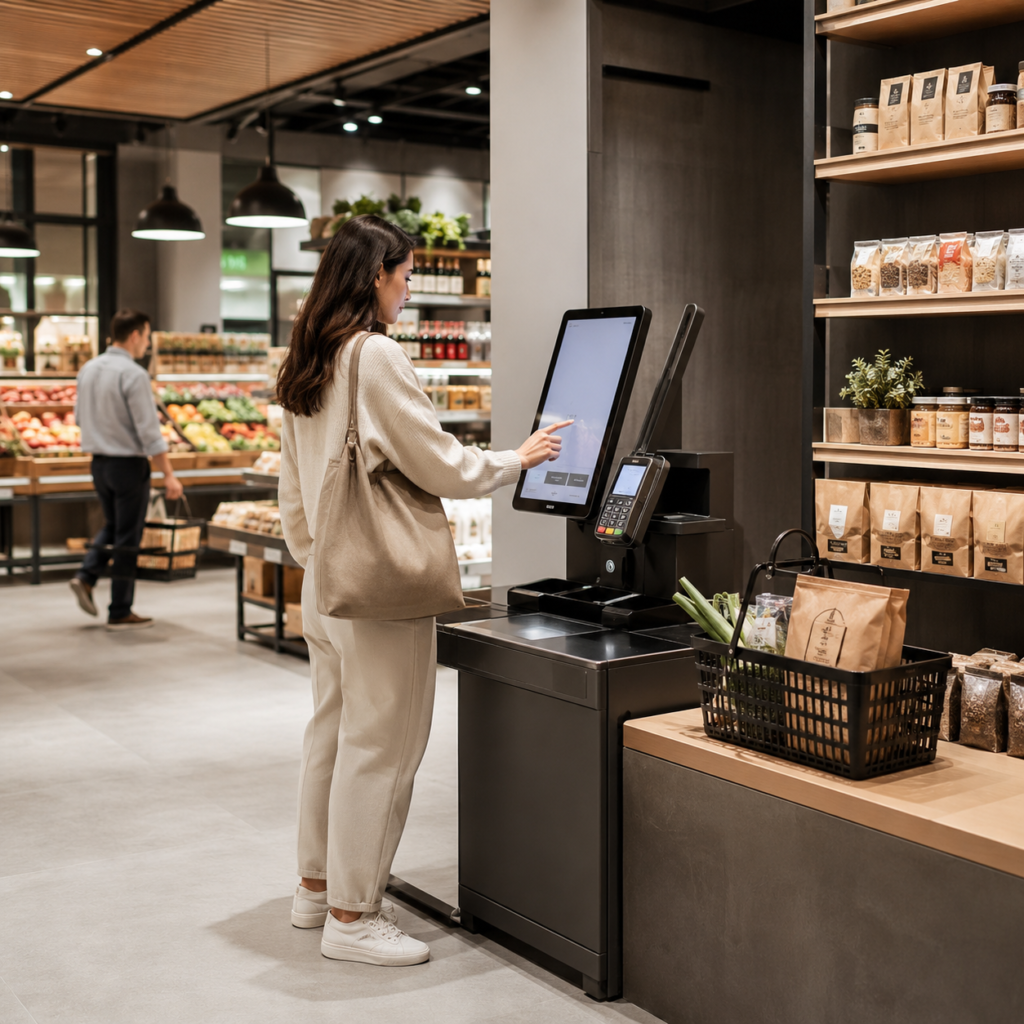
1. Principe de fonctionnement principal d'un kiosque
Un kiosque fonctionne selon un modèle d'architecture à 4 couches:
Couche 1 : Interface utilisateur (interaction front-end)
C'est ce avec quoi l'utilisateur interagit directement.
- Écran tactile (capacitif / infrarouge)
- Application UI/UX (commande / enregistrement / paiement)
- Interface multilingue
- Méthodes de saisie (tactile, scan QR, carte sans contact)
L'objectif : rendre l'opération intuitive en 3 à 5 étapes.
Couche 2 : Système applicatif (logiciel kiosque)
Le logiciel du kiosque traite les actions de l'utilisateur.
Les fonctions incluent :
- Logique d'affichage du menu ou des services
- Traitement des commandes
- Vérification d’identité
- Génération des demandes de paiement
- Gestion des sessions (délai d'expiration / réinitialisation)
Chez Aonkiosk, cette couche est conçue pour prendre en charge :
- Systèmes Android / Windows / Linux
- Mode de repli hors ligne (critique pour les réseaux instables)
Couche 3 : Couche d'intégration backend
Cette couche connecte le kiosque aux systèmes métier.
Elle s'intègre généralement avec :
- Systèmes de point de vente (POS)
- Systèmes ERP
- Plateformes CRM
- Passerelles de paiement
- Bases de données cloud
Exemple de flux :
L'utilisateur passe une commande → le kiosque envoie une requête API → le POS confirme → le système de cuisine imprime la commande
Couche 4 : Couche de paiement et de transaction
Gère le traitement financier sécurisé.
Méthodes prises en charge :
- Paiement QR (Alipay / WeChat Pay / applications locales)
- NFC / carte sans contact
- Carte de crédit / débit
- Intégration de portefeuille mobile
Toutes les transactions sont traitées selon des protocoles de communication cryptés pour garantir la sécurité des données.
2. Flux de travail de bout en bout (étape par étape)
Un flux d'exploitation typique d'un kiosque :
Étape 1 — Interaction utilisateur
L'utilisateur s'approche du kiosque et démarre l'interface.
Étape 2 — Sélection du service
L'utilisateur sélectionne :
- Produits (alimentation / commerce de détail / billets)
- Services (enregistrement / paiement / demande de renseignements)
Étape 3 — Traitement de la commande
Le système calcule :
- Prix
- Taxes
- Remise (si applicable)
Étape 4 — Exécution du paiement
L'utilisateur effectue le paiement via la méthode sélectionnée.
Étape 5 — Confirmation backend
Le système envoie les données au backend :
- PDV / ERP / système de billetterie
Étape 6 — Génération de sortie
Selon le scénario :
- L’impression de reçus
- Impression du ticket de commande
- Confirmation QR
- Écran de confirmation numérique
3. Coordination matériel-logiciel
Les systèmes Aonkiosk reposent sur une synchronisation étroite entre matériel et logiciel :
| Composant | Fonction |
|---|---|
| Écran tactile | Interaction utilisateur |
| PC industriel | Traitement système |
| Imprimante | Reçu / sortie |
| Scanner | Lecture QR / code-barres |
| Module de paiement | Traitement des transactions |
| Boîtier | Protection physique |
En cas de défaillance d'un composant, le système bascule automatiquement en mode diagnostic ou en mode de repli (si activé).
4. Réseau et flux de données
Les systèmes de borne peuvent fonctionner selon trois modes :
1. Mode en ligne (recommandé)
- Synchronisation des données en temps réel
- La surveillance cloud
- Mises à jour instantanées
2. Mode hors ligne
- Système de cache local
- Transactions stockées localement
- Synchronisation lors du rétablissement du réseau
3. Mode hybride (recommandé par Aonkiosk)
- Combine cloud + repli local
- Garantit une disponibilité maximale
5. Mécanisme de sécurité
Les bornes Aonkiosk intègrent une sécurité multicouche :
- Transmission de données chiffrée (HTTPS / TLS)
- Réinitialisation automatique de la session utilisateur
- Tokenisation des paiements
- Authentification au niveau de l'appareil
- Verrouillage / effacement à distance
Pour les systèmes de paiement, la conformité PCI-DSS est recommandée pour les déploiements en entreprise.
6. Comportement technique courant (connaissances d'assistance)
Pourquoi la borne redémarre-t-elle automatiquement ?
- Mise à jour du système déclenchée
- Protection contre les débordements de mémoire
- Redémarrage programmé pour maintenance
Pourquoi l'écran ne répond-il pas ?
- Problème de calibrage tactile
- Câble tactile USB desserré
- Gel du logiciel (redémarrage requis)
Pourquoi le paiement échoue-t-il ?
- Instabilité du réseau
- Délai d'attente dépassé de la passerelle de paiement
- Configuration API incorrecte
Pourquoi l'imprimante ne fonctionne-t-elle pas ?
- Bourrage papier
- Papier thermique mal chargé
- Pilote non initialisé
7. Contexte d'utilisation sectoriel
Les systèmes Aonkiosk sont largement utilisés dans :
- Restaurants (bornes de commande en libre-service)
- Magasins de détail (caisses automatiques)
- Hôtels (enregistrement en libre-service)
- Aéroports (billetterie et embarquement)
- Hôpitaux (enregistrement des patients)
- Systèmes de stationnement (paiement automatisé)
8. Valeur commerciale du système de borne
La mise en œuvre de bornes améliore :
- La précision des commandes
- La rapidité du service
- La valeur moyenne des transactions
- La dépendance à la main-d'œuvre
- Le temps d'attente en file
Les données sectorielles montrent que les bornes peuvent augmenter la valeur des commandes de 10–30% dans les scénarios QSR.
Conclusion
Un système de borne de Aonkiosk n'est pas simplement un dispositif matériel — c'est un écosystème d'automatisation complet qui connecte les utilisateurs, les systèmes logiciels et les opérations commerciales en un flux de travail unifié.






