






A self-service kiosk is an automated interactive terminal that allows users to complete tasks such as ordering, payment, check-in, ticketing, or information access without staff assistance.
At Aonkiosk, our kiosk systems are designed as a complete integrated solution combining:
- Hardware (touch screen + industrial PC + peripherals)
- Software (kiosk application + OS + remote management system)
- Network connectivity (cloud or local server)
- Payment and data processing modules
The system works as a closed-loop automation solution, connecting user interaction directly to backend business systems.
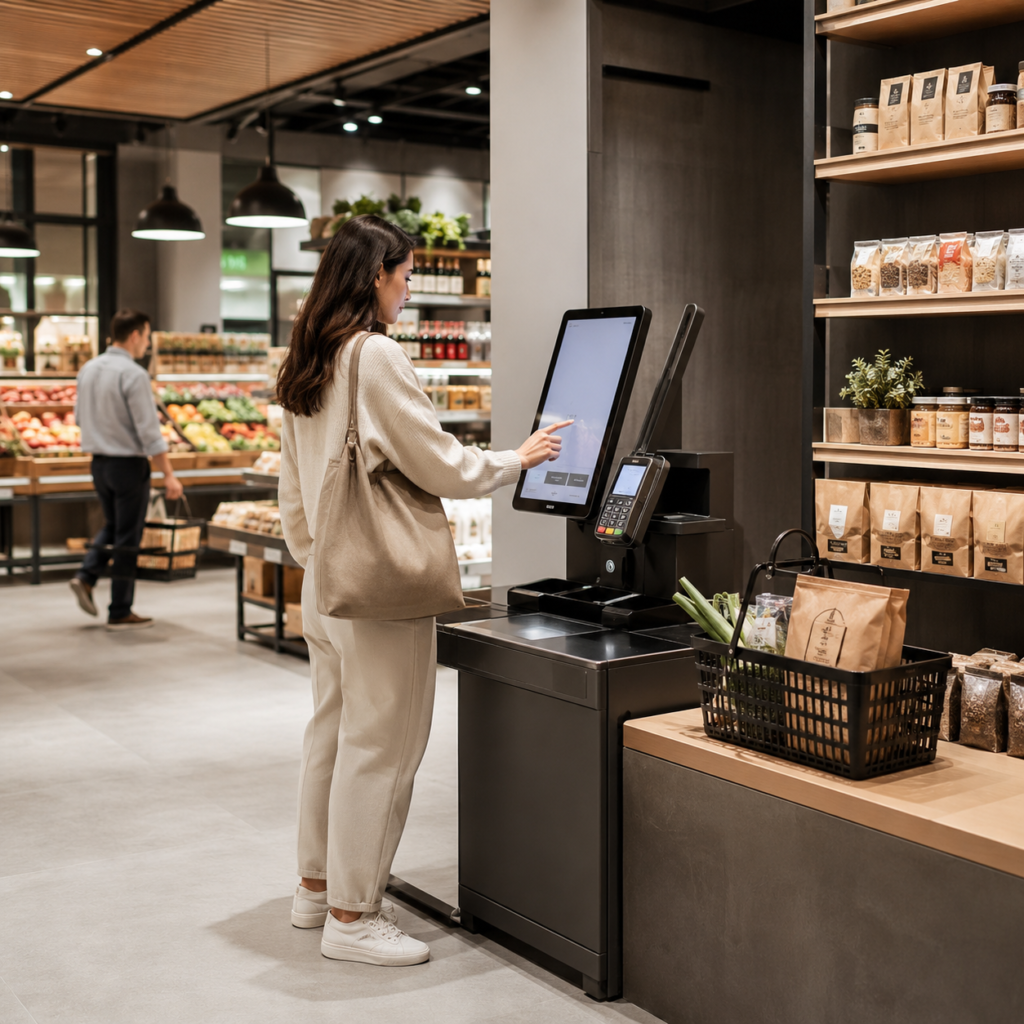
1. Core Working Principle of a Kiosk
A kiosk works through a 4-layer architecture model:
Layer 1: User Interface (Front-End Interaction)
This is what the user directly interacts with.
- Touchscreen display (capacitive / infrared)
- UI/UX application (ordering / check-in / payment)
- Multi-language interface
- Input methods (touch, QR scan, card tap)
The goal: make operation intuitive within 3–5 steps.
Layer 2: Application System (Kiosk Software)
The kiosk software processes user actions.
Functions include:
- Menu or service display logic
- Order processing
- Identity verification
- Payment request generation
- Session management (timeout / reset)
At Aonkiosk, this layer is built to support:
- Android / Windows / Linux systems
- Offline fallback mode (critical for unstable networks)
Layer 3: Backend Integration Layer
This layer connects kiosk to business systems.
It typically integrates with:
- POS systems
- ERP systems
- CRM platforms
- Payment gateways
- Cloud databases
Example flow:
User places order → kiosk sends API request → POS confirms → kitchen system prints order
Layer 4: Payment & Transaction Layer
Handles secure financial processing.
Supported methods:
- QR payment (Alipay / WeChat Pay / local apps)
- NFC / contactless card
- Credit / debit card
- Mobile wallet integration
All transactions are processed under encrypted communication protocols to ensure data security.
2. End-to-End Workflow (Step-by-Step)
A typical kiosk operation flow:
Step 1 — User Interaction
User approaches kiosk and starts the interface.
Step 2 — Service Selection
User selects:
- Products (food / retail / tickets)
- Services (check-in / payment / inquiry)
Step 3 — Order Processing
System calculates:
- Price
- Tax
- Discount (if applicable)
Step 4 — Payment Execution
User completes payment via selected method.
Step 5 — Backend Confirmation
System sends data to backend:
- POS / ERP / ticketing system
Step 6 — Output Generation
Depending on scenario:
- Receipt printing
- Order ticket printing
- QR confirmation
- Digital confirmation screen
3. Hardware-Software Coordination
Aonkiosk systems rely on tight hardware-software synchronization:
| Component | Function |
|---|---|
| Touchscreen | User interaction |
| Industrial PC | System processing |
| Printer | Receipt/output |
| Scanner | QR/barcode reading |
| Payment module | Transaction processing |
| Enclosure | Physical protection |
If any component fails, the system will automatically switch to diagnostic or fallback mode (if enabled).
4. Network & Data Flow
Kiosk systems can operate in three modes:
1. Online Mode (Recommended)
- Real-time data sync
- Cloud monitoring
- Instant updates
2. Offline Mode
- Local caching system
- Transactions stored locally
- Sync when network restores
3. Hybrid Mode (Aonkiosk Recommended)
- Combines cloud + local fallback
- Ensures maximum uptime
5. Security Mechanism
Aonkiosk kiosks include multi-layer security:
- Encrypted data transmission (HTTPS / TLS)
- User session auto-reset
- Payment tokenization
- Device-level authentication
- Remote lock / wipe capability
For payment systems, PCI-DSS compliance is recommended for enterprise deployment.
6. Common Technical Behavior (Support Knowledge)
Why does the kiosk restart automatically?
- System update triggered
- Memory overflow protection
- Scheduled maintenance reboot
Why is the screen not responding?
- Touch calibration issue
- USB touch cable loose
- Software freeze (restart required)
Why does payment fail?
- Network instability
- Payment gateway timeout
- Incorrect API configuration
Why does the printer not work?
- Paper jam
- Thermal paper not loaded correctly
- Driver not initialized
7. Industry Usage Context
Aonkiosk systems are widely used in:
- Restaurants (self-ordering kiosks)
- Retail stores (self-checkout)
- Hotels (self check-in)
- Airports (ticketing & boarding)
- Hospitals (patient registration)
- Parking systems (automated payment)
8. Business Value of Kiosk System
Implementing kiosks improves:
- Order accuracy
- Service speed
- Average transaction value
- Labor dependency
- Queue waiting time
Industry data shows kiosks can increase order value by 10–30% in QSR scenarios.
Conclusion
A kiosk system from Aonkiosk is not just a hardware device — it is a complete automation ecosystem that connects users, software systems, and business operations into one streamlined workflow.






