Government digital-service projects often begin with a straightforward objective: make routine public services easier to access without adding more staffed counters. The procurement process, however, is rarely straightforward.
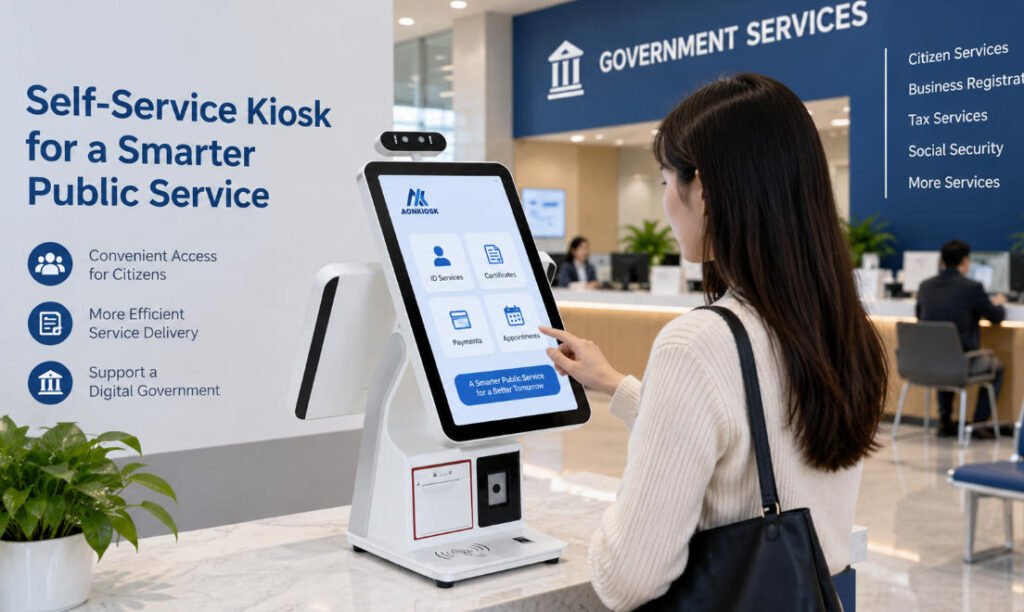
A kiosk installed in a municipal office, tax center, social security branch, vehicle registration facility, public utility office, or smart-city service center may need to identify users, scan documents, read cards, capture signatures or fingerprints, print receipts, process payments, and connect securely with existing government systems. It must also remain usable by a broad population, operate reliably for years, and be practical for technicians to maintain.
For this reason, government kiosk procurement should be treated as an infrastructure decision rather than a simple hardware purchase.
A low initial quotation can quickly lose its advantage if the terminal requires frequent service, uses difficult-to-source components, cannot accommodate future peripherals, or needs major mechanical modifications after the software integration begins.
This guide explains the areas procurement teams should examine before approving a government self-service kiosk project, from service definition and accessibility to hardware architecture, supplier evaluation, testing, maintenance, and total lifecycle cost.
1. Define the Citizen Service Before Defining the Kiosk
One of the most common procurement mistakes is beginning with specifications such as screen size, processor, cabinet dimensions, or enclosure color.
Those decisions matter, but they should come later.
First, document exactly what citizens are expected to accomplish at the terminal.
A government kiosk might support:
- Public information and application status inquiries
- ID card or passport reading
- QR or barcode scanning
- Document capture
- Form submission
- Fingerprint or biometric verification
- Tax, utility, or administrative fee payments
- Queue ticket issuance
- Receipt or certificate printing
- Appointment check-in
- Electronic signatures
- Government card reading or dispensing
The workflow determines the hardware.
For example, a simple information terminal may only require a touchscreen and industrial computer. A citizen identity service could require a document camera, ID reader, fingerprint scanner and printer. A payment application introduces another set of considerations involving payment terminals, PIN-entry devices, receipt printing and transaction security.
A useful procurement specification therefore starts with a service-flow diagram rather than a component list.
Map each citizen action to the hardware required to complete it.
This approach reduces unnecessary peripherals while making it less likely that an important device will be discovered after the enclosure has already been designed.
2. Separate Hardware, Software and System Integration Responsibilities
Government kiosk projects typically involve several parties.
The government agency may own the service platform. A software company may develop the citizen interface. A system integrator may connect the kiosk to identity, payment or administrative databases. The kiosk manufacturer supplies the physical terminal and integrated hardware.
Those responsibilities should be clearly separated during procurement.
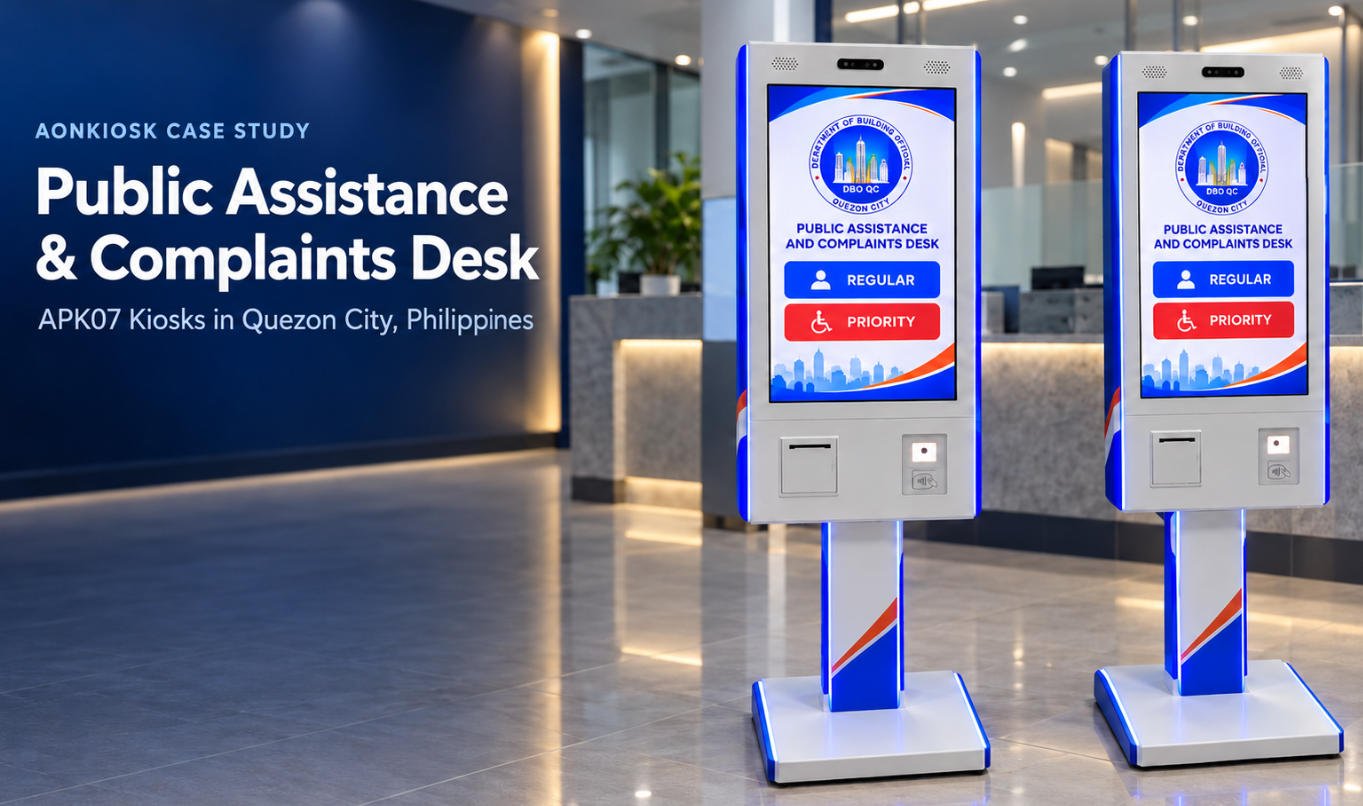
For example, AONKIOSK focuses on kiosk hardware manufacturing and hardware integration rather than developing the government service platform itself. Its OEM/ODM scope includes enclosure engineering, touchscreen integration, industrial computing, scanners, printers, cameras, NFC/RFID devices, fingerprint readers and other peripherals.
This distinction matters because specifying simply “complete kiosk solution” can create uncertainty later.
The procurement documentation should identify responsibility for:
- Kiosk hardware
- Operating system
- Application software
- API development
- Backend connection
- Device drivers
- Payment certification
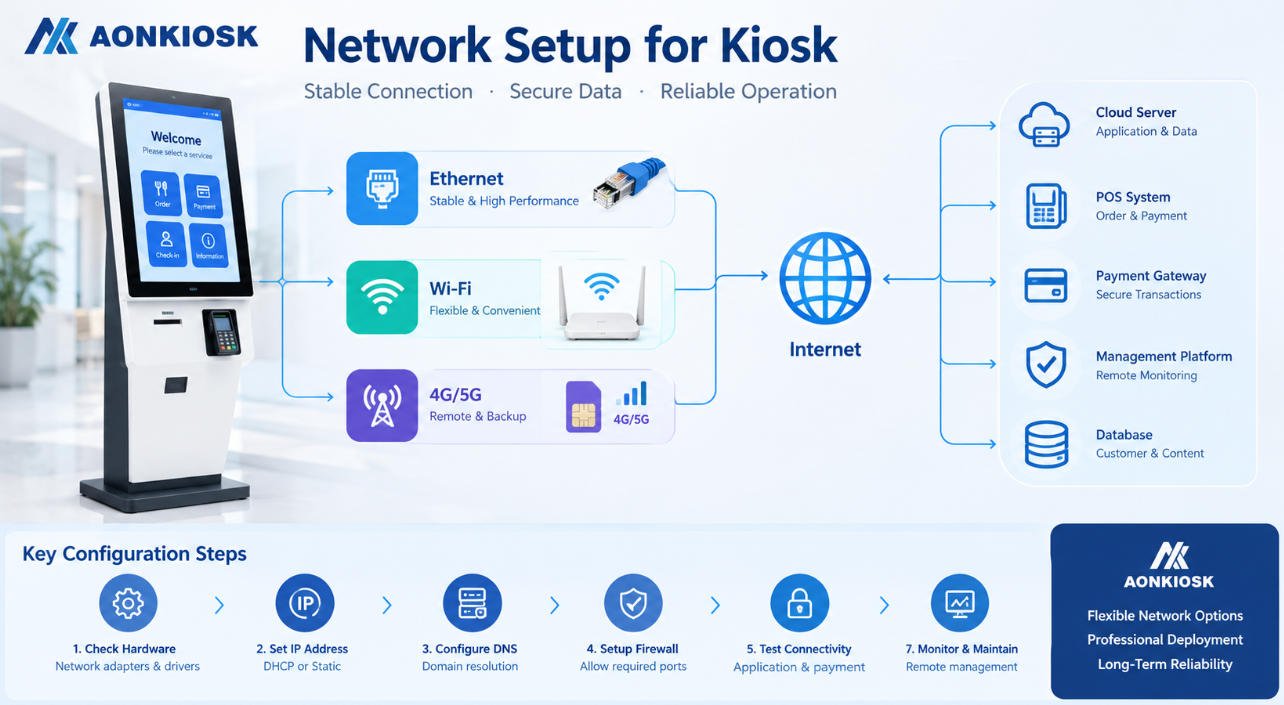
- Network configuration
- Cybersecurity controls
- Remote device management
- On-site installation
- User acceptance testing
- Ongoing maintenance
The more clearly these boundaries are established before quotation, the easier it becomes to compare competing proposals fairly.
3. Select Hardware Around the Actual Transaction
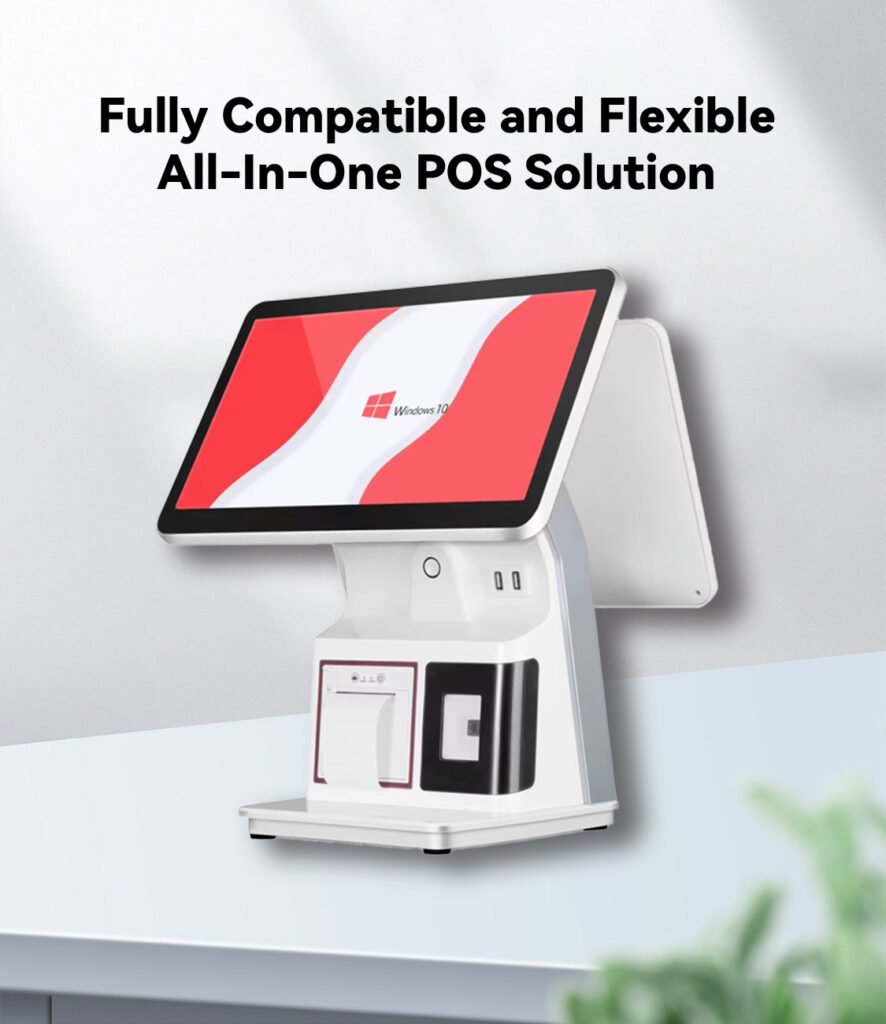
There is no universal configuration for a public service kiosk.
Instead, procurement teams should establish mandatory, optional and future hardware requirements.
Touchscreen
Screen size should reflect viewing distance, information density, installation height and user interaction.
A 21.5-inch or 23.8-inch display is appropriate for many standing service terminals, while larger displays may make sense for information-heavy interfaces. Touch technology should also be selected according to the environment and expected usage.
Computing Platform
CPU, memory and storage requirements should be based on the software workload rather than choosing the highest available specification.
A browser-based information service has very different requirements from an application using document recognition, biometric processing or multiple connected peripherals.
The procurement document should also specify operating-system requirements and expected software lifecycle.
Identity and Document Hardware
Depending on the service, the kiosk may require:
- Passport or ID readers
- Document cameras
- Fingerprint scanners
- Smart-card readers
- NFC/RFID readers
- 1D/2D barcode scanners
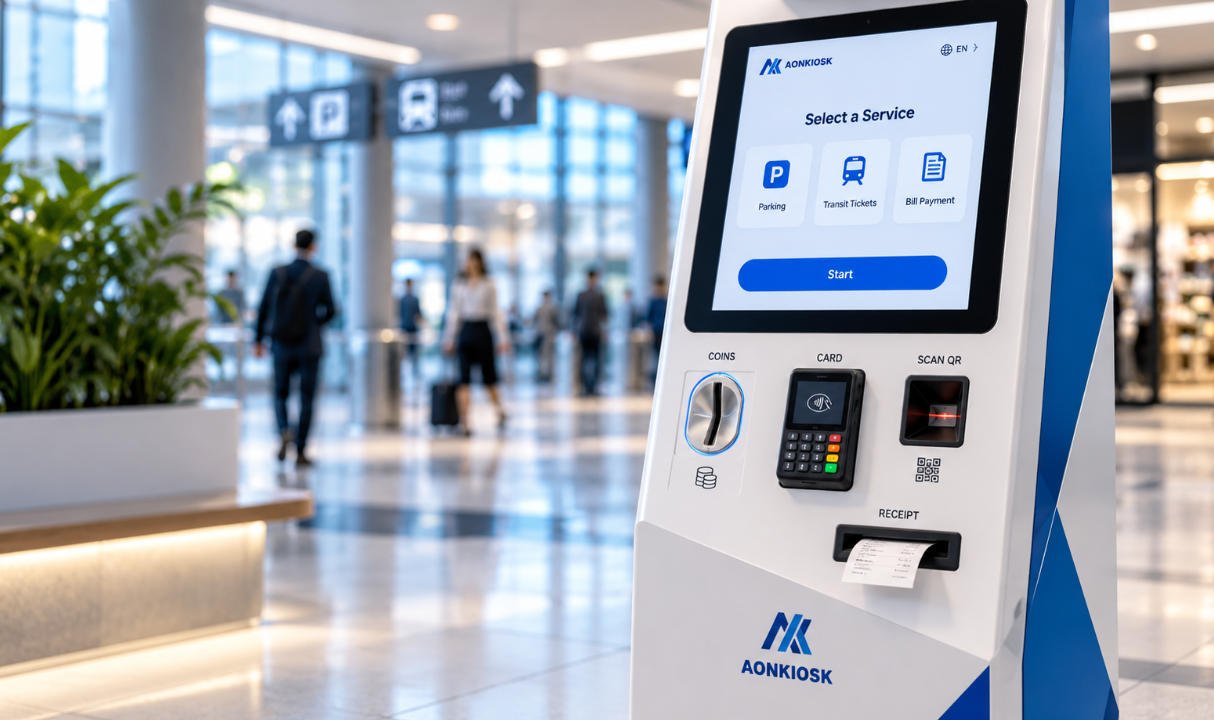
AONKIOSK’s APK19, for example, is designed as government self-service hardware supporting configurations including a document camera, QR scanner, card reader, fingerprint scanner and optional receipt printer.
The value of this type of modular architecture is not having every peripheral available. It is being able to configure only the modules required by the service.
4. Accessibility Must Be Part of the Hardware Specification
Accessibility should not be treated as a software issue added after the kiosk is manufactured.
Physical design affects whether different citizens can actually operate the terminal.
Procurement teams should examine factors including display height, reach range, clear floor space, operating force, physical controls, audio access, privacy and the accessibility of attached devices.
Requirements vary by jurisdiction, so buyers should reference applicable local laws and tender specifications rather than assume one international checklist applies everywhere.
For U.S. federal procurement, Section 508 addresses information and communication technology developed, procured, maintained or used by federal agencies and specifically includes information kiosks and transaction machines. The U.S. Access Board also identifies considerations such as reach range, operable parts, speech output, display screens and access for users with mobility, vision, hearing or dexterity limitations.
The digital interface deserves equal attention. WCAG 2.2 applies to web content presented on devices including kiosks and provides testable accessibility criteria for areas such as navigation, input methods, target sizing and accessible authentication.
Good accessibility therefore requires coordination between mechanical engineering and interface design from the beginning of the project.
5. Design for Privacy and Security at the Physical Level
Government terminals may handle personal information, identification documents and financial data.
Cybersecurity architecture is primarily a software and network responsibility, but kiosk hardware can either support or undermine that architecture.
Consider physical requirements such as:
- Lockable service compartments
- Restricted access to USB and network ports
- Tamper-resistant fasteners
- Protected cable routing
- Secure peripheral mounting
- Controlled access to the industrial PC
- Privacy positioning for displays and PIN devices
- Separate technician and public-access areas
- Secure printer and paper access
The goal is not to make the cabinet impossible to open. Maintenance personnel still need practical access.
Instead, the structure should prevent ordinary users from reaching sensitive components while allowing authorized technicians to replace a printer, computer, scanner or power module efficiently.
For public terminals, security and serviceability must be engineered together.
6. Evaluate the Installation Environment
A terminal designed for a climate-controlled government lobby should not automatically be deployed outdoors.
Before issuing an RFQ, procurement teams should document environmental conditions including:
- Indoor or outdoor installation
- Operating temperature
- Humidity
- Dust exposure
- Rain or water exposure
- Direct sunlight
- Vandalism risk
- Public traffic level
- Available ventilation
- Electrical supply
- Ethernet, Wi-Fi or cellular connectivity
Outdoor installations may require weather-resistant enclosure design, additional sealing, higher-brightness displays, temperature management and different materials or surface treatments.
Indoor terminals may not need those measures, allowing procurement budgets to be directed toward functions that citizens actually use.
Environmental specifications should therefore be based on deployment conditions rather than copied from another kiosk project.
7. Examine Maintainability Before Approving the Enclosure
A government terminal may operate for many years, which makes maintenance architecture important.
Ask the supplier to demonstrate how technicians access the major serviceable components.
Can the printer be replaced without dismantling the display assembly?
Can paper be replenished quickly?
Are connectors labelled?
Can the PC, power supply and scanner be accessed independently?
Can the payment device be removed without opening unrelated compartments?
Poor service access may add only a few minutes to one repair. Across dozens or hundreds of kiosks over several years, those minutes become meaningful operating cost.
Component standardization also matters.
When possible, use common printer mechanisms, display interfaces, computing platforms and connectors across a deployment. Maintaining ten identical spare modules is usually simpler than maintaining several slightly different configurations.
8. Procurement Should Include a Prototype and Validation Stage
Moving directly from drawings to hundreds of production units creates unnecessary risk.
A stronger government kiosk procurement process usually includes a prototype or first-article phase.
The prototype should be treated as an engineering verification unit, not merely a visual sample.
Test:
- Mechanical dimensions
- User reach and ergonomics
- Peripheral positioning
- Cable routing
- Device communication
- Printer loading and paper replacement
- Thermal behavior
- Doors and locks
- Network connectivity
- Application compatibility
- Accessibility
- Maintenance procedures
- Representative citizen workflows
Government contractors and system integrators can use this stage to run their application on the real hardware before committing to volume production.
AONKIOSK’s OEM and ODM kiosk manufacturing process includes engineering evaluation, 3D design, prototyping, testing, production and quality inspection, and the company supports prototype and small-batch development before larger manufacturing runs.
That staged approach is particularly useful when a project combines several specialized peripherals.
9. Build Acceptance Criteria Into the Purchase Order
Terms such as “industrial grade,” “high quality” and “reliable” are difficult to verify.
Procurement documents should convert those expectations into measurable acceptance criteria.
Depending on the project, these might include:
- Approved bill of materials
- Defined CPU, memory and storage configuration
- Display resolution and brightness
- Touch functionality
- Peripheral model numbers
- Port and interface requirements
- Enclosure dimensions and materials
- Surface finish
- Electrical configuration
- Operating-system image
- Functional test procedures
- Burn-in or aging requirements
- Appearance inspection criteria
- Packaging requirements
- Serial-number identification
- Documentation package
Also define how component substitutions will be handled.
Supply chains change during multi-year programs. A replacement component should not be introduced simply because it fits physically. The supplier should have a process for notifying the customer, confirming compatibility and obtaining approval where required.
10. Evaluate the Manufacturer, Not Just the Product Sample
A polished prototype tells you something about a supplier, but not enough.
For multi-site government deployments, procurement teams should evaluate manufacturing capability and engineering discipline.
Ask potential suppliers:
How are drawings and revisions controlled?
How are incoming components inspected?
How are production units checked against the approved sample?
Can the factory integrate third-party devices supplied by the project team?
What testing is performed before shipment?
How are serial numbers and configurations tracked?
Can spare parts be supplied several years later?
How are engineering changes communicated?
Can production scale from a pilot batch to regional or national quantities?
AONKIOSK positions its manufacturing process around industrial design, mechanical engineering, peripheral integration, prototype validation, in-process quality control, reliability testing and final inspection. Its factory information also describes aging tests for new models and larger orders before shipment.
For public-sector projects, this manufacturing process often matters more than small differences in unit price.
11. Compare Total Lifecycle Cost, Not Only Unit Price
The lowest quotation is not necessarily the least expensive deployment.
Government buyers should evaluate total cost of ownership across the expected operating period.
Consider:
Initial cost: kiosk hardware, customization, engineering, tooling and certifications.
Deployment cost: packaging, freight, import procedures, local transport and installation.
Integration cost: software adaptation, drivers, API work and testing.
Operating cost: network services, electricity, printer consumables and payment-related services.
Maintenance cost: technician visits, replacement components and downtime.
Lifecycle cost: spare-part inventories, component obsolescence, upgrades and eventual replacement.
A slightly more expensive enclosure that reduces technician service time or allows individual modules to be replaced can be economically preferable over a five- or seven-year deployment.
Procurement teams should therefore ask suppliers to provide detailed configurations instead of comparing only the final price at the bottom of each quotation.
12. Plan Spare Parts, Warranty and Support Before Deployment
Support planning should begin before the kiosks leave the factory.
For a large installation, determine which components are most likely to require field replacement and establish a practical spare-parts strategy.
Typical spares may include:
- Touch displays
- Industrial PCs
- Power supplies
- Printers
- Scanners
- Fans
- Cables
- Locks
- Peripheral modules
The contract should also define troubleshooting procedures, warranty responsibilities, response channels and documentation availability.
AONKIOSK’s kiosk shipping and warranty support includes export packaging, international logistics coordination, technical assistance, replacement-part support and long-term availability of commonly used spare parts.
For government deployments involving overseas manufacturing, these details deserve evaluation alongside the hardware itself.
13. A Practical Government Kiosk Procurement Checklist
Before issuing a final purchase order, confirm that the project team has answered the following questions:
- What services will citizens complete on the kiosk?
- Which peripherals are mandatory, optional and reserved for future use?
- Who owns software, API, security and hardware integration responsibilities?
- What accessibility requirements apply in the deployment jurisdiction?
- What personal or payment information will the terminal handle?
- What physical security measures are necessary?
- Is the kiosk installed indoors or outdoors?
- What operating environment must the enclosure tolerate?
- Can all major components be serviced efficiently?
- Has a working prototype been tested with the final application?
- Are acceptance criteria documented?
- Is the production bill of materials controlled?
- How will component substitutions be approved?
- What factory testing is performed before shipment?
- What spare parts should be stocked locally?
- What warranty and technical support arrangements apply?
- Can the manufacturer support future production quantities?
- What is the estimated lifecycle cost rather than simply the purchase price?
If several of these questions remain unanswered, the project is probably not ready for volume procurement.
Final Thoughts
A successful government kiosk procurement program is not primarily about selecting a touchscreen cabinet. It is about creating a reliable physical interface between citizens and digital public services.
The most effective procurement process starts with the service workflow, translates that workflow into hardware requirements, defines accessibility and security expectations, validates a prototype, establishes measurable acceptance criteria, and plans maintenance before mass production begins.
For system integrators, government contractors and public-service technology providers, a modular citizen service terminal can provide a stable hardware platform while leaving the government application and backend architecture under the control of the project team.
AONKIOSK specializes in custom self-service kiosk hardware manufacturing, including enclosure engineering, touchscreen systems, industrial computers and peripheral integration for public-service and other commercial applications. Rather than selecting a kiosk by appearance or unit price alone, buyers can use the procurement framework above to compare hardware solutions according to their real deployment requirements.
The result is a better procurement decision—and a terminal that remains practical long after the initial installation.