Buying a self-service kiosk is not the same as purchasing a standard computer or touchscreen display. A commercial kiosk combines mechanical design, industrial computing, peripheral integration, software compatibility, payment hardware, thermal management, safety requirements, logistics, and long-term maintenance.
For procurement teams, software companies, system integrators, restaurant chains, retailers, hotels, and public-service operators, the most important decision is not simply which kiosk looks best. The real question is whether the selected hardware can move successfully from an initial concept to a tested prototype, a controlled pilot deployment, and eventually stable mass production.
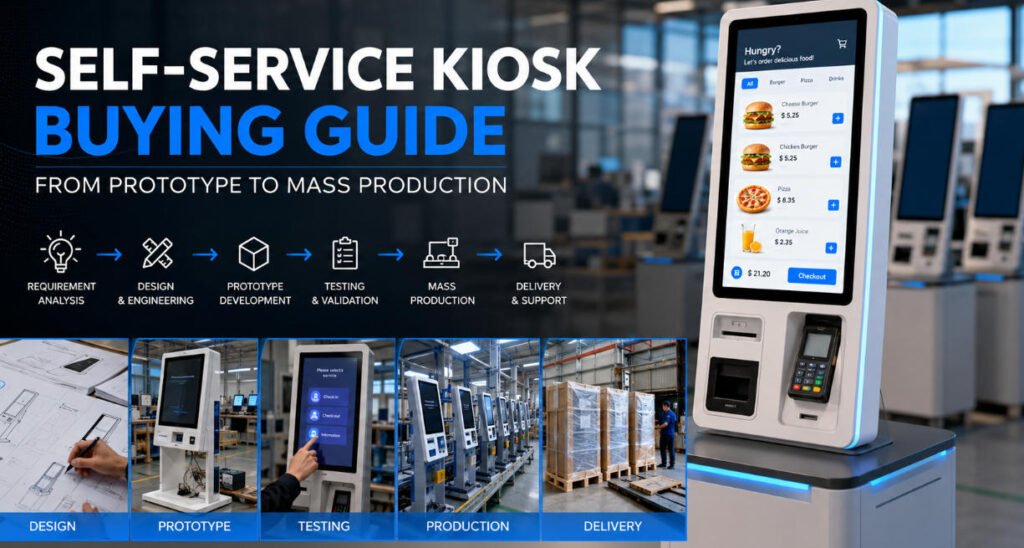
This self service kiosk buying guide explains the complete procurement process, including requirement definition, supplier evaluation, prototyping, testing, cost analysis, production planning, quality control, delivery, and lifecycle support.
AONKIOSK provides configurable and custom self-service kiosk hardware for international projects. Its OEM and ODM kiosk manufacturing services support projects ranging from individual prototypes and small pilot batches to regional deployment and volume production.
1. Define the Business Workflow Before Selecting Hardware
A successful kiosk project begins with the user journey rather than the enclosure.
Before requesting a quotation, buyers should document exactly what the customer must accomplish at the kiosk. A restaurant customer may need to browse a menu, customize an order, pay, and receive a receipt. A hotel guest may need to scan a passport, confirm a reservation, pay a deposit, encode a room card, and complete check-in. A retail customer may need to scan products, verify prices, apply loyalty benefits, and make payment.
The procurement specification should answer several fundamental questions:
- Who will use the kiosk?
- What transactions will users complete?
- Where will the kiosk be installed?
- How many transactions are expected per day?
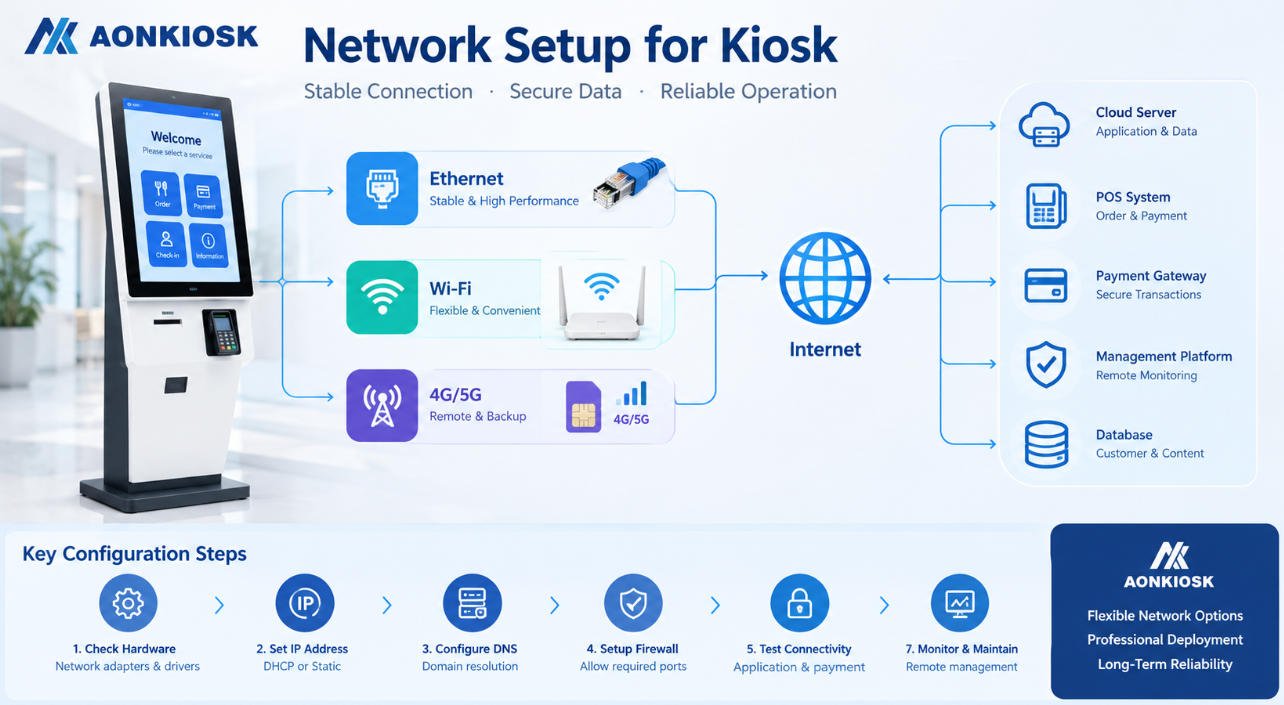
- Which software platform will operate on the kiosk?
- Which peripherals are essential?
- Will the kiosk accept payments?
- Does it need to operate continuously?
- Who will maintain the equipment after deployment?
These answers determine the required screen size, processor, operating system, enclosure design, installation method, peripheral configuration, network connection, and maintenance structure.
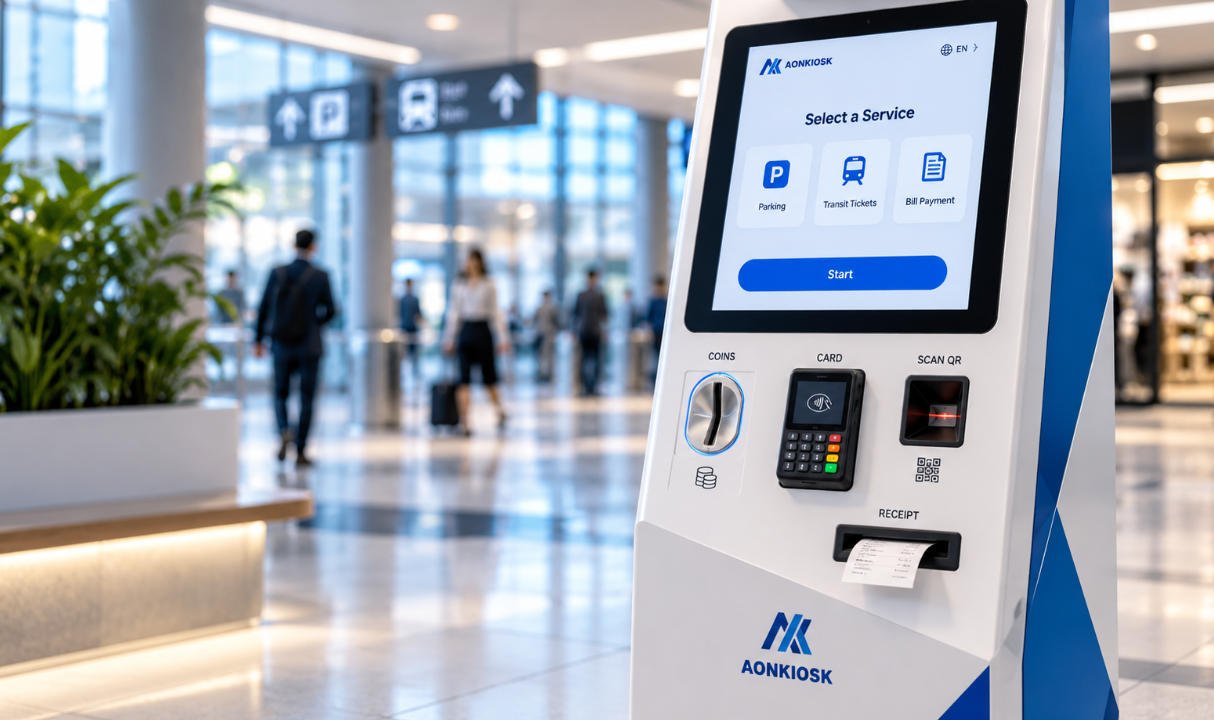
Avoid beginning the project with a vague request such as “We need a payment kiosk.” A more useful request would specify a 21.5-inch floor-standing terminal for indoor retail use, running Windows, with an integrated barcode scanner, NFC reader, card payment terminal, 80 mm receipt printer, Ethernet, Wi-Fi, and front-service access.
The clearer the initial specification, the more accurate the quotation and prototype will be.
2. Choose the Correct Kiosk Category
Different applications require different mechanical and hardware configurations. Buyers should first identify the closest standard product platform and then decide how much customization is necessary.
Restaurant Self-Ordering Kiosks
Restaurant kiosks usually require responsive touchscreens, integrated payment terminals, receipt printers, QR scanners, speakers, and compatibility with ordering or POS software. They should be designed for fast interaction and frequent daily use.
A buyer planning a quick-service restaurant deployment can review AONKIOSK’s restaurant self-ordering kiosk range or evaluate the APK04 23.6/27-inch self-ordering kiosk as a possible starting platform.
Retail and Payment Kiosks
Retail kiosks may need barcode scanning, product lookup, payment processing, receipt printing, loyalty identification, cameras, or weighing equipment. Their physical design should support efficient customer flow and make routine maintenance easy.
Buyers can examine AONKIOSK’s retail and payment kiosk solutions when planning self-checkout, bill payment, or unattended retail projects.
Hotel Check-In Kiosks
Hotel kiosks often involve more complex peripheral integration. Typical modules include passport or ID scanners, card payment terminals, RFID card encoders, card dispensers, receipt printers, cameras, and reservation lookup devices.
Because these modules must work together reliably, hotel kiosk procurement normally requires more engineering validation than a basic information terminal.
Ticketing and Queue Management Kiosks
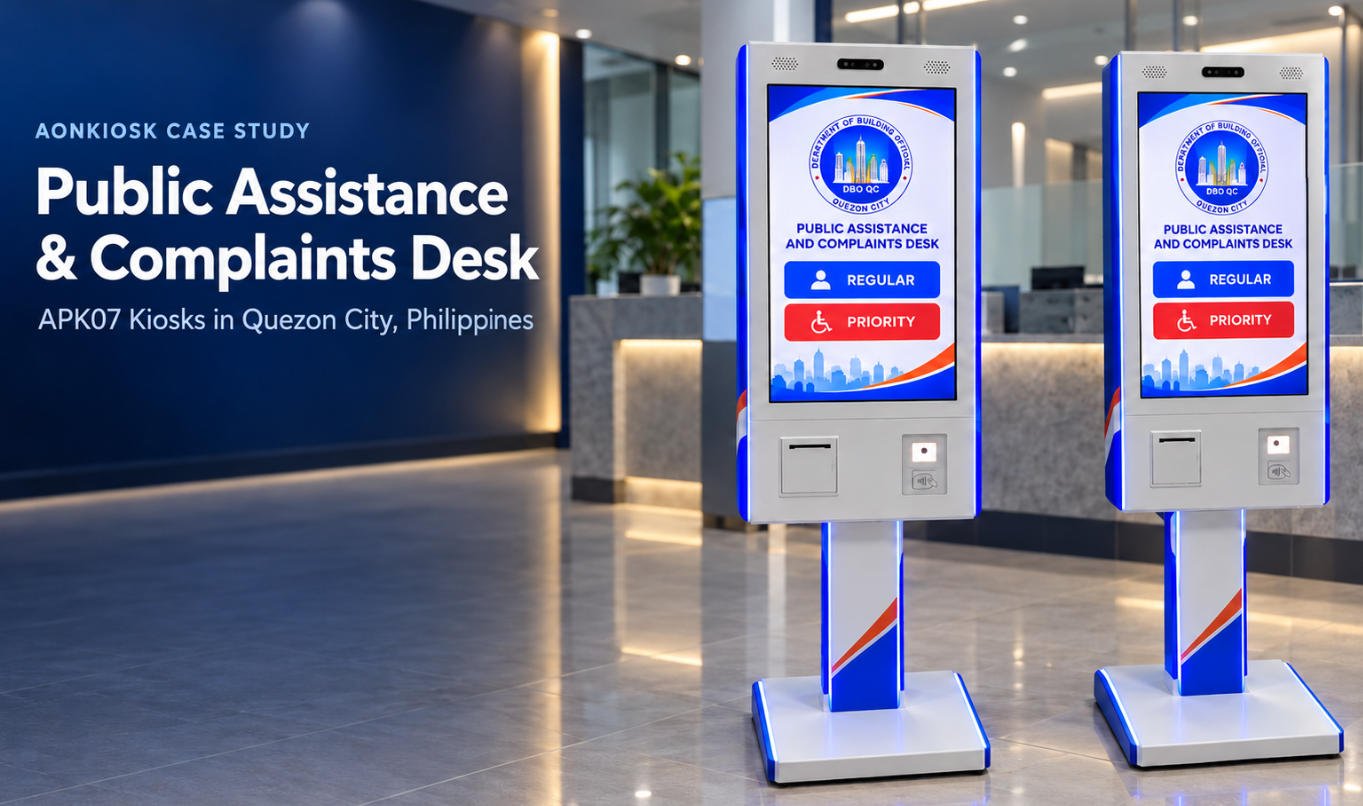
Ticketing kiosks may include thermal printers, ticket dispensers, QR scanners, payment devices, and accessibility features. The printer mechanism, paper replacement process, and internal maintenance access are especially important in high-volume environments.
Information and Wayfinding Kiosks
Information kiosks generally require fewer transactional peripherals but may use larger displays, dual-screen configurations, digital signage functions, and powerful graphics capabilities. The APK868 dual-screen information and wayfinding kiosk is an example of a platform that combines a large advertising display with an interactive touchscreen.
3. Decide Between a Standard, Configured, or Fully Custom Kiosk
One of the most important decisions in kiosk procurement is the level of customization.
Standard Product
A standard kiosk uses an existing enclosure and validated hardware configuration. Buyers may select the processor, memory, storage, operating system, and several optional peripherals without changing the mechanical structure.
This approach generally offers:
- Lower development cost
- Shorter lead time
- Lower technical risk
- Easier replacement-part planning
- Faster pilot deployment
A standard platform is often the best choice when speed, budget control, and proven reliability are more important than a unique appearance.
Configured Standard Product
A configured product uses an existing mechanical platform but adds project-specific modules, colors, branding, ports, mounting brackets, or internal layouts.
This approach balances customization with manufacturing efficiency. It is suitable for many software vendors, system integrators, restaurant groups, and regional distributors.
Fully Custom Product
A fully custom kiosk may require a new industrial design, enclosure, internal architecture, service door, module positioning, lighting system, branding treatment, or installation structure.
Full custom kiosk production is appropriate when:
- Existing models cannot support the required workflow
- The installation space has unusual restrictions
- Brand appearance is strategically important
- Special peripherals must be integrated
- The kiosk will be deployed in large quantities
- Environmental or accessibility requirements are complex
However, fully custom development requires a larger engineering budget, more testing, and a longer schedule. Buyers should avoid unnecessary mechanical customization that does not improve usability, serviceability, differentiation, or deployment performance.
4. Prepare a Detailed Request for Quotation
A professional request for quotation should include more than a product image and estimated quantity.
Provide the supplier with:
- Application and industry
- Indoor, semi-outdoor, or outdoor environment
- Installation method
- Preferred screen size
- Operating system
- Processor, RAM, and storage requirements
- Required peripherals
- Payment terminal model
- Software and driver requirements
- Branding and color specifications
- Accessibility requirements
- Target order quantity
- Prototype quantity
- Expected annual volume
- Destination country
- Compliance requirements
- Target delivery schedule
For payment projects, specify whether the payment terminal will be supplied by the buyer, sourced by the kiosk manufacturer, or installed after delivery. Payment devices vary by country, acquiring bank, certification program, and software platform. Their dimensions, cable connections, mounting angle, ventilation, and user access must be confirmed early.
When comparing quotations, make sure each supplier is quoting the same configuration. A low price may exclude the industrial computer, payment bracket, printer, operating-system license, packaging, testing, spare parts, or engineering work.
The correct comparison is total delivered value, not enclosure price alone.
5. Evaluate the Manufacturer’s Engineering Capability
A kiosk manufacturer should understand more than sheet-metal fabrication.
Commercial kiosks require knowledge of:
- Structural engineering
- Industrial touchscreen integration
- Internal component layout
- Airflow and thermal management
- Cable routing
- Electromagnetic compatibility
- Peripheral mounting
- Maintenance accessibility
- Packaging protection
- Continuous commercial operation
Ask the manufacturer to explain how technicians will replace the printer, computer, power supply, scanner, or touchscreen. A kiosk that looks attractive but requires complete disassembly for routine service will create unnecessary field costs.
The supplier should also review peripheral datasheets and physical samples before finalizing the structure. Even when two printers appear similar, their paper-loading direction, cable position, cutting mechanism, mounting points, and heat output may differ.
AONKIOSK specializes in complete kiosk hardware rather than general-purpose metal fabrication. Its published OEM/ODM capabilities include industrial design, mechanical engineering, prototype manufacturing, hardware integration, thermal planning, cable management, and maintenance-access design.
6. Build a Functional Prototype
A prototype should be treated as an engineering validation unit, not merely a visual sample.
During the prototype stage, the project team should verify:
- Enclosure dimensions and stability
- Screen height and viewing angle
- Touchscreen responsiveness
- Peripheral positioning
- Payment-terminal accessibility
- Printer paper replacement
- Scanner reading performance
- Internal cable organization
- Door and lock operation
- Ventilation and operating temperature
- Software-driver compatibility
- Network performance
- Assembly quality
- Packaging suitability
Whenever possible, install the real software and process complete transactions on the prototype. A successful boot test does not prove that the entire workflow is reliable.
For example, a hotel prototype should test reservation lookup, ID scanning, payment, room-card encoding, card dispensing, receipt printing, error recovery, and communication with the property management system. A retail unit should test product scanning, payment, printer status reporting, network interruption, and transaction recovery.
Record every issue in a structured prototype report. Separate problems into mechanical, electrical, firmware, driver, software, usability, and cosmetic categories. Each modification should be documented before the second sample or pilot batch.
7. Conduct a Pilot Deployment Before Mass Production
Moving directly from one prototype to hundreds of units creates unnecessary risk.
A controlled pilot allows the buyer to test the kiosk in a real operating environment. Depending on the project, the pilot may involve several units in one location or a small deployment across multiple sites.
The pilot should measure:
- Transaction completion rate
- Average transaction time
- User abandonment
- Peripheral failure frequency
- Printer paper consumption
- Network stability
- Payment success rate
- Cleaning requirements
- Staff intervention frequency
- User accessibility
- Maintenance time
- Software and hardware error logs
Real users often reveal problems that internal testing misses. Instructions may be unclear, scanner placement may feel unnatural, screen brightness may be insufficient, or the payment terminal may be difficult to reach.
AONKIOSK’s published hotel kiosk case study describes a process involving technical communication, interface and hardware validation, a functional prototype, problem correction, and deployment evaluation. This type of staged development helps prevent unresolved integration issues from being repeated across a larger order.
8. Calculate the Total Cost of Ownership
The kiosk purchase price represents only one part of the total investment.
A realistic cost model should include:
- Product development
- Prototype manufacturing
- Software integration
- Compliance testing
- Tooling or fixtures
- Unit production
- Packaging
- International freight
- Customs duties and taxes
- Local installation
- Payment certification
- Spare parts
- Technical support
- Preventive maintenance
- Field repair
- Software updates
- End-of-life replacement
A cheaper kiosk may become more expensive if it uses consumer-grade components, has poor service access, requires frequent repairs, or lacks stable replacement parts.
Procurement teams should ask for a recommended spare-parts list based on deployment quantity. Common spares may include power supplies, touch controllers, printer components, scanners, cables, cooling fans, locks, and industrial computers.
Standardizing components across multiple kiosk models can reduce spare-parts inventory and simplify technician training.
9. Confirm Quality Control and Compliance
Before mass production, agree on a written quality standard.
The approved prototype, drawings, bill of materials, surface finish, color reference, logo position, hardware configuration, cable layout, firmware version, and packaging method should become controlled production references.
An effective quality process normally includes:
- Incoming inspection of materials and components
- In-process inspection during fabrication and assembly
- Functional testing of each completed kiosk
- Aging or burn-in testing
- Cosmetic inspection
- Configuration verification
- Packaging and outgoing inspection
AONKIOSK describes its quality system as including incoming quality control, in-process quality control, final quality control, outgoing quality control, hardware testing, documentation, and serialized product traceability. Its quality page also lists CE, FCC/RED, and RoHS-related compliance capabilities. Certification requirements should always be confirmed for the exact configuration and destination market rather than assumed from a different model.
For regulated or public deployments, buyers may also need accessibility, electrical safety, electromagnetic compatibility, radio, environmental, payment, fire-safety, or ingress-protection testing.
10. Plan Mass Production and Change Control
Once the pilot is approved, the buyer should issue a final production specification.
Mass production should not begin while major software, peripheral, or mechanical decisions remain unresolved. Late changes can affect tooling, wiring, component purchasing, assembly instructions, compliance, cost, and delivery.
Establish a formal change-control process. Any change to the processor, mainboard, touchscreen, printer, scanner, power supply, payment bracket, cable, firmware, or enclosure should be reviewed and approved.
For larger orders, consider a pre-production batch before full manufacturing. This allows the factory to validate assembly instructions, fixtures, testing procedures, labor time, and packaging.
Buyers should also confirm:
- Production lead time
- Component procurement schedule
- Forecasting requirements
- Batch size
- Inspection procedure
- Factory acceptance testing
- Serial-number records
- Spare-parts allocation
- Shipping schedule
- Documentation package
11. Review Packaging, Shipping, Warranty, and Support
Kiosks are large, heavy, and sensitive electronic products. Poor packaging can damage displays, doors, locks, internal mounts, and surface finishes.
Confirm whether the product will use reinforced cartons, foam protection, wooden cases, pallets, moisture protection, tilt indicators, or shock indicators. Packaging should be tested for the chosen transportation method.
The buyer and supplier should agree on Incoterms, freight responsibility, customs documentation, destination handling, and damage-claim procedures.
Long-term support is equally important. Before purchasing, review the warranty period, excluded conditions, response process, replacement-part policy, remote support, documentation, and component continuity.
AONKIOSK publishes separate shipping and warranty information covering hardware support, replacement parts, remote assistance, and spare-parts continuity. Buyers should still confirm the final warranty and service terms in the project quotation and sales agreement because requirements may vary by configuration and order.
12. Final Kiosk Procurement Checklist
Before approving mass production, confirm that:
- The complete user workflow has been documented
- The selected kiosk category matches the application
- All peripherals and interfaces are specified
- Software compatibility has been tested
- The payment terminal and mounting method are confirmed
- The prototype has passed functional review
- Pilot feedback has been resolved
- The bill of materials is controlled
- Quality criteria are documented
- Market-specific compliance requirements are confirmed
- Packaging and shipping responsibilities are defined
- Spare parts and service procedures are planned
- Warranty terms are included in the contract
- Production changes require written approval
Conclusion
The best kiosk purchase is not necessarily the product with the lowest initial price or the most impressive appearance. It is the hardware platform that can support the required workflow, integrate with the software, survive commercial use, remain maintainable, and scale reliably from prototype to mass production.
A structured procurement process reduces technical uncertainty at every stage. Begin with a detailed workflow, select an appropriate hardware platform, validate the real peripherals, build a functional prototype, run a controlled pilot, and approve mass production only after the design and bill of materials are stable.
For businesses that require a standard platform, configured terminal, or fully custom kiosk production project, AONKIOSK offers hardware design, engineering, peripheral integration, prototyping, low-volume manufacturing, and scalable production services.
To discuss your application, expected quantity, hardware configuration, and delivery market, visit the AONKIOSK self-service kiosk manufacturer website or submit your project through the AONKIOSK contact page.