





Wayfinding kiosks work best when visitors need to search a large directory, choose a language, or navigate a building whose destinations change frequently. Static maps are often the better choice for a small, stable layout that people can understand at a glance. Many buildings benefit from using both.
When comparing wayfinding kiosks vs static maps, start with the visitor’s task. Finding one of six offices is different from locating a clinic across several hospital buildings. The right solution depends on the complexity of the site, how often information changes, and who will keep that information accurate.

Wayfinding Kiosks vs Static Maps: A Practical Comparison
| Decision factor | Interactive wayfinding kiosk | Static map or directory |
|---|---|---|
| Finding a destination | Can support search, categories and route selection with suitable software. | Visitors scan a printed map or alphabetical list. |
| Updating information | Content can be updated through the selected software; someone must maintain the source data. | Changes require revised artwork, replacement panels or printed inserts. |
| Languages | Can offer selectable languages when supported and translated. | Several languages share limited physical space. |
| Power and connectivity | Needs power. Network and offline behavior depend on the application. | A printed map needs neither power nor a network connection, although lighting may be necessary. |
| Initial investment | Includes hardware, software, map preparation and installation. | Usually lower for a simple printed map, although custom signs and structures can add cost. |
| Ongoing work | Content updates, cleaning, software support and hardware maintenance. | Physical inspection, cleaning and replacement when information changes. |
| Busy entrances | A single touchscreen can become a waiting point. | Several people may read a sufficiently large sign at once. |
| Accessibility | Requires appropriate hardware placement and accessible software. | Requires readable type, contrast, placement and suitable alternative assistance. |
On smaller screens, swipe across the table to compare both options.
When Static Maps Are the Better Choice
A static map is a strong option when the layout is straightforward, destinations change infrequently, and visitors can identify their next turn without a search function. Examples include a small office lobby, a single-floor community facility, or a compact visitor center.
A clearly positioned “You are here” marker, consistent room names and visible directional signs may solve the problem without an electronic directory. Static signs are also valuable at stairs, lifts and corridor junctions, where visitors need a quick confirmation rather than another interaction.
Consider how many people need information simultaneously. A large wall directory can serve several readers, while one kiosk normally serves one active user at a time. Adding interactivity does not automatically improve traffic flow.
When an Interactive Wayfinding Kiosk Adds Value
A large destination list makes visual scanning difficult
Shopping centers, hospitals and multi-building campuses may have too many destinations for visitors to scan comfortably. A searchable directory kiosk can let a visitor enter a store, department or service name instead of reading every entry. Useful search behavior depends on the software, including spelling assistance, alternate names and well-maintained categories.
Locations or information change regularly
Tenant moves, temporary department relocations and changing event schedules can make printed information expensive to keep current. A digital wayfinding kiosk can simplify distribution of updates, but it does not make inaccurate source data correct. Assign an owner to approve changes and verify that they appear on every relevant screen.
Visitors need different languages or route choices
Selectable languages and route options can be useful in venues serving unfamiliar visitors. These features must be included in the application scope. A touchscreen alone does not provide translations, accessible routes or live routing.
The entrance also needs announcements or signage
A digital directory can share space with building information or event content. Where both tasks are important, a dual-screen arrangement can separate general announcements from the interaction surface. Keep the visitor’s route-finding task prominent rather than filling the navigation interface with promotional content.
Which Approach Fits Your Building?
Shopping malls: search at the entrance, confirmation along the route
A searchable store directory can help visitors choose a destination at a main entrance. Static floor identifiers and directional signs remain useful after they leave the screen. Keep tenant names, floor numbers and landmarks consistent across the kiosk, printed maps and physical signs.
Hospitals: clear destinations and maintained route information
A hospital directory may need to organize clinics, departments and public services using names visitors recognize. Routes should reflect the actual lifts, entrances and accessible paths available on site. Use staff assistance and physical signs alongside the terminal; a digital directory should not be the only way to find essential services.
Office buildings: match the system to tenant complexity
A small building with stable tenants may need only a well-designed directory board. A larger property with frequent tenant changes, multiple wings or multilingual visitors may benefit from an interactive building directory. A directory does not automatically provide visitor registration or access control; those are separate workflows.
Compare the Whole Cost, Not Just the Screen
There is no universal point at which a kiosk becomes cheaper than a static map. Ask for comparable scopes over the same planning period.
- Static-map budget: artwork, map preparation, sign fabrication, mounting, replacement frequency, installation labor and disposal of outdated panels.
- Kiosk budget: display, computer, enclosure, software, map preparation, content setup, installation, power and network preparation, support and replacement parts.
- Shared work: keeping destination names accurate, checking routes and maintaining consistent signage throughout the building.
A useful planning calculation is: total planned cost = initial supply and installation + content changes + operating and maintenance costs + expected replacements. Use your own supplier quotations and site assumptions. Do not treat advertising income or reduced reception workload as guaranteed savings.
For a broader explanation of hardware budgeting, see our custom self-service kiosk cost guide.
Plan the Hardware and Software Together
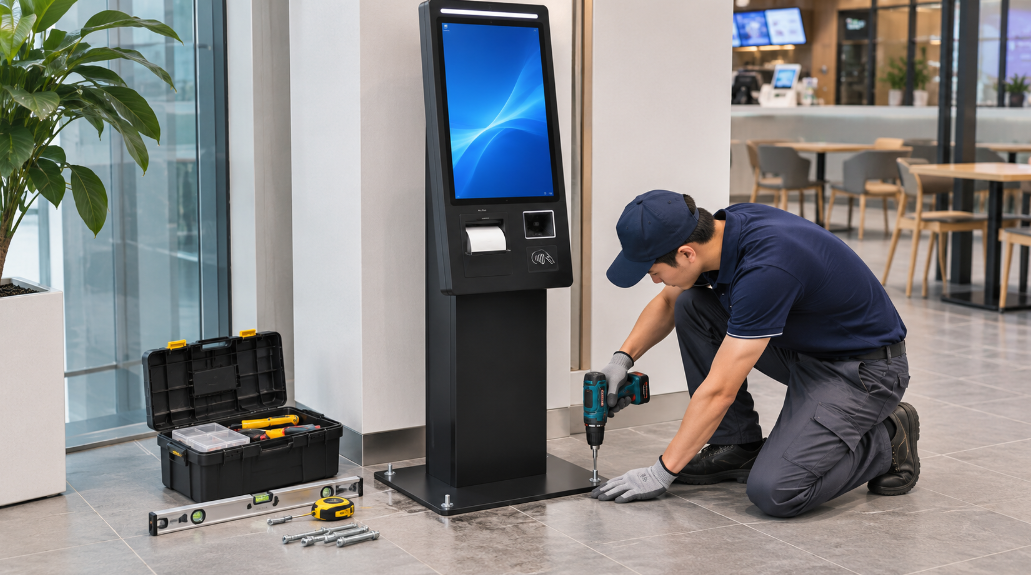
AONKIOSK provides information and wayfinding kiosk hardware that can be configured around a project’s display, enclosure, installation and peripheral requirements. The map application, content-management workflow and any route or language features should be agreed with the software provider during planning.
For example, the APK868 dual-screen information and wayfinding platform combines a large information display with a separate touch-control screen. This architecture can separate general signage from destination search. It is a hardware starting point; the final navigation functions depend on the software and integration scope.
Before choosing a configuration, check:
- Interaction and viewing distance: screen size, orientation and text must fit how visitors approach and use the terminal.
- Placement: keep the device visible without obstructing pedestrian flow, exits or maintenance access.
- Environment: assess glare, temperature and indoor or outdoor exposure before selecting the enclosure and display.
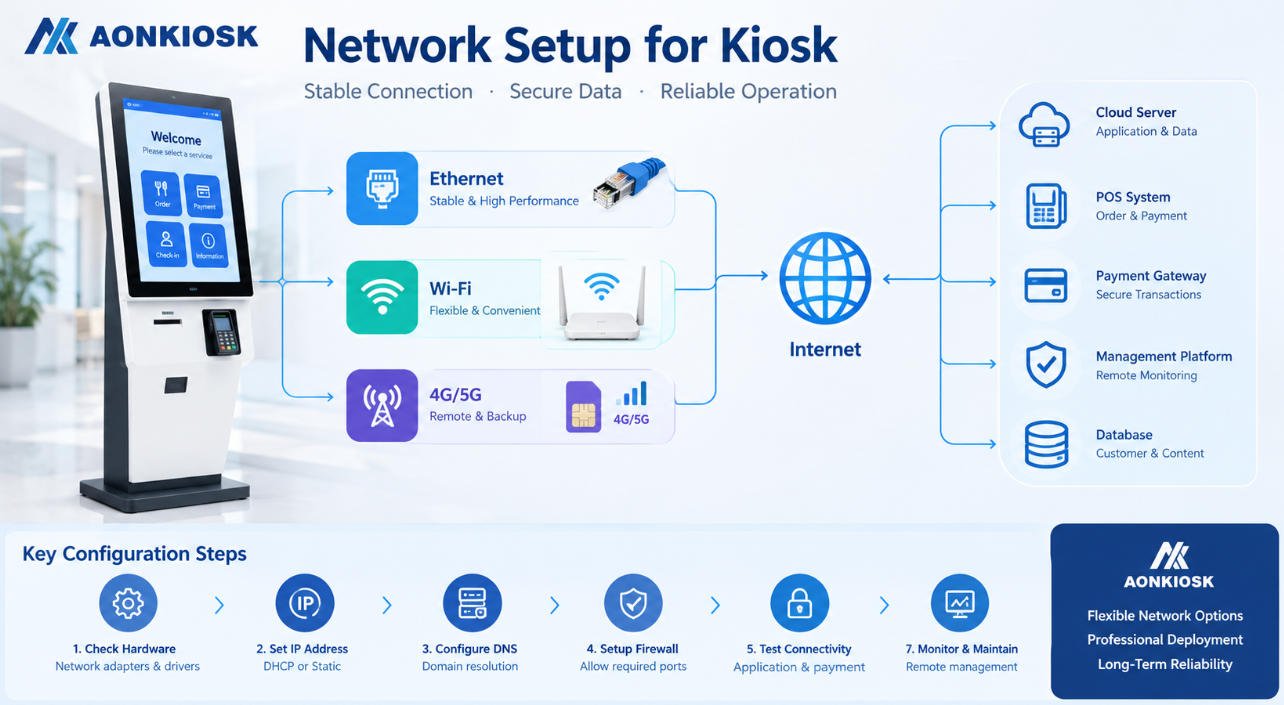
- Connectivity: define what happens when the network is unavailable and which content, if any, remains usable offline.
- Service: establish who updates maps, supports the application and maintains the physical terminal.
For detailed procurement questions after choosing the digital approach, read our digital wayfinding kiosk buying guide.
A Hybrid Wayfinding System Is Often the Practical Answer
Use the kiosk for search and personalized information, then use static signs to confirm the route. A visitor might search for a department in the lobby, follow floor and lift signs, and confirm the destination at the corridor entrance.
QR handoff to a phone can be another option when the software supports it. Provide an alternative for visitors without a suitable phone or connection. Printed maps, staff assistance and physical signs remain useful even in a digitally equipped building.
Test the Decision Before a Building-Wide Rollout
Start with the busiest arrival point and observe real visitor tasks. Record whether people find the right destination, ask staff for help, abandon a search or wait to use the screen. Compare the results with your existing arrangement and check behavior during network interruptions.
A pilot can reveal whether the main problem is missing information, unclear destination names, poor sign placement or a genuine need for interactive search. Resolve that problem before committing to more hardware.
Frequently Asked Questions
Are wayfinding kiosks better than static maps?
They are better suited to searchable directories, frequently changing destinations and interactive features. Static maps can be more practical for simple, stable layouts. A combined system often serves a wider range of visitors.
Can a wayfinding kiosk work without the internet?
Some applications can display locally stored maps or directories offline. Other features may require a network connection. Confirm offline behavior, content synchronization and recovery with the software provider.
Does kiosk hardware include the map software?
Not automatically. A project quotation should identify the hardware, operating system, map application, content setup, integration work and ongoing support separately.
Should static signs be removed after a kiosk is installed?
Usually there is good reason to retain route-confirmation signs and a fallback source of information. A navigation kiosk is not a substitute for required safety or emergency signage.
Discuss Your Wayfinding Hardware Requirements
Planning an interactive directory for a mall, hospital, office building or visitor venue? Share your floor plan, destination list, software platform, installation environment and expected quantity. AONKIOSK can review the hardware configuration and OEM/ODM customization requirements around your project.