





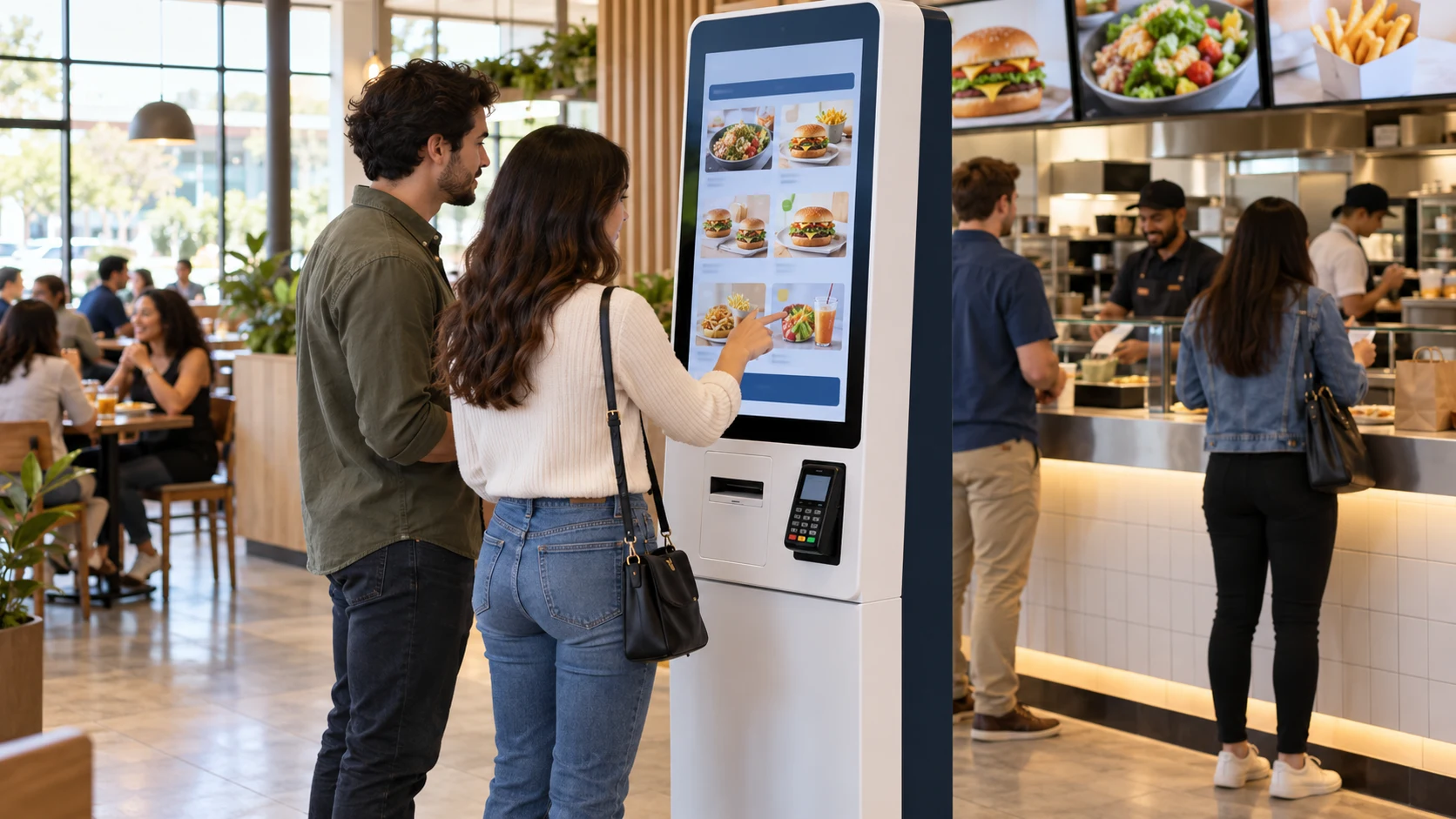
A self-ordering kiosk price is meaningful only when the quotation defines the hardware, software and deployment scope. A touchscreen terminal price is not the same as the cost of a working restaurant ordering station. Budget separately for the device, ordering application, POS and kitchen integration, payment setup, installation and continuing support.
For restaurant groups, software providers and equipment distributors, the useful question is not simply “How much is a kiosk?” It is “What will each ordering station include, and what will it cost to deploy and operate?” This guide explains how to compare self ordering kiosk price quotations without confusing factory hardware with a complete restaurant technology package.
What Does a Self-Ordering Kiosk Price Include?
Ask every supplier to separate the same cost categories. A low advertised price may describe a display and computer, while another quote includes a cabinet, printer, payment bracket and testing. Compare equivalent configurations before comparing totals.
| Budget item | What to specify | How it may be charged |
|---|---|---|
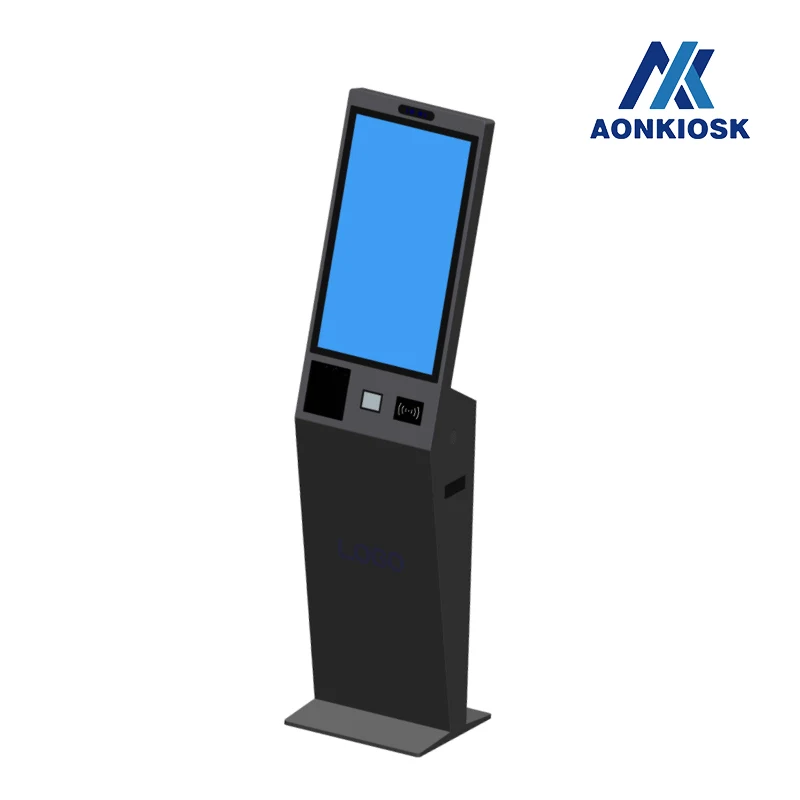
| Kiosk hardware | Display, computing platform, enclosure, mounting and selected peripherals. | Per unit; confirm all included accessories. |
| Customization | Branding, mechanical changes, printer openings and payment-device mounting. | One-time engineering and/or a unit-price adjustment. |
| Ordering software | Menu, modifiers, languages, promotions and order management. | License, subscription or project-based development. |
| Integration | POS, kitchen routing, loyalty and payment interfaces. | Setup, testing and potentially ongoing service fees. |
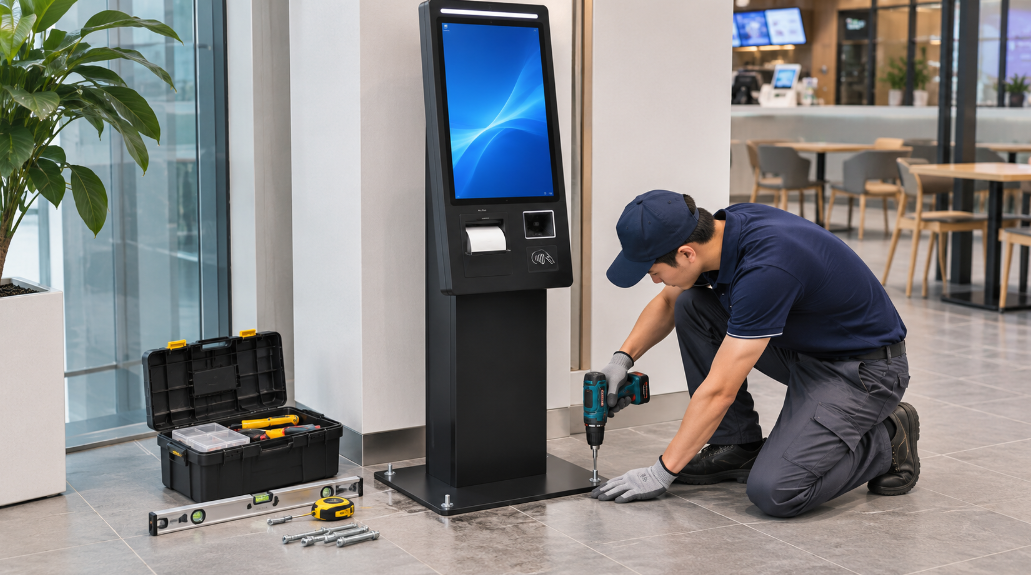
| Installation | Freight, site preparation, assembly, anchoring, power and networking. | Per site, per unit or separately contracted work. |
| Operation | Software support, payment services, paper, cleaning and replacement parts. | Monthly, usage-based or as required. |
On smaller screens, swipe horizontally to compare the columns.
AONKIOSK supplies configurable restaurant kiosk hardware. Ordering software and restaurant-system integration should be defined with the customer and software provider for each project. Do not assume that a hardware quotation includes a menu application, software license or payment-processing agreement.
Hardware Choices That Change the Price
Countertop, floor-standing or wall-mounted?
A countertop terminal can suit a compact ordering area, but the counter must provide suitable space, cable access and stability. A floor-standing kiosk needs its own base, enclosure and installation footprint. A wall-mounted design saves floor space but requires a suitable wall and planned servicing access. Compare the complete installed arrangement, including brackets, stands and anchoring, rather than the display alone.
Display size, computer and operating system
A larger display can affect the cabinet, base, packaging and transport dimensions as well as panel cost. Choose the screen around menu readability and comfortable touch interaction. The application determines CPU, memory, storage and interface requirements. An Android configuration and a Windows configuration should be checked against the actual ordering application and peripheral drivers before pricing is finalized.
Printer, scanner and payment-device preparation
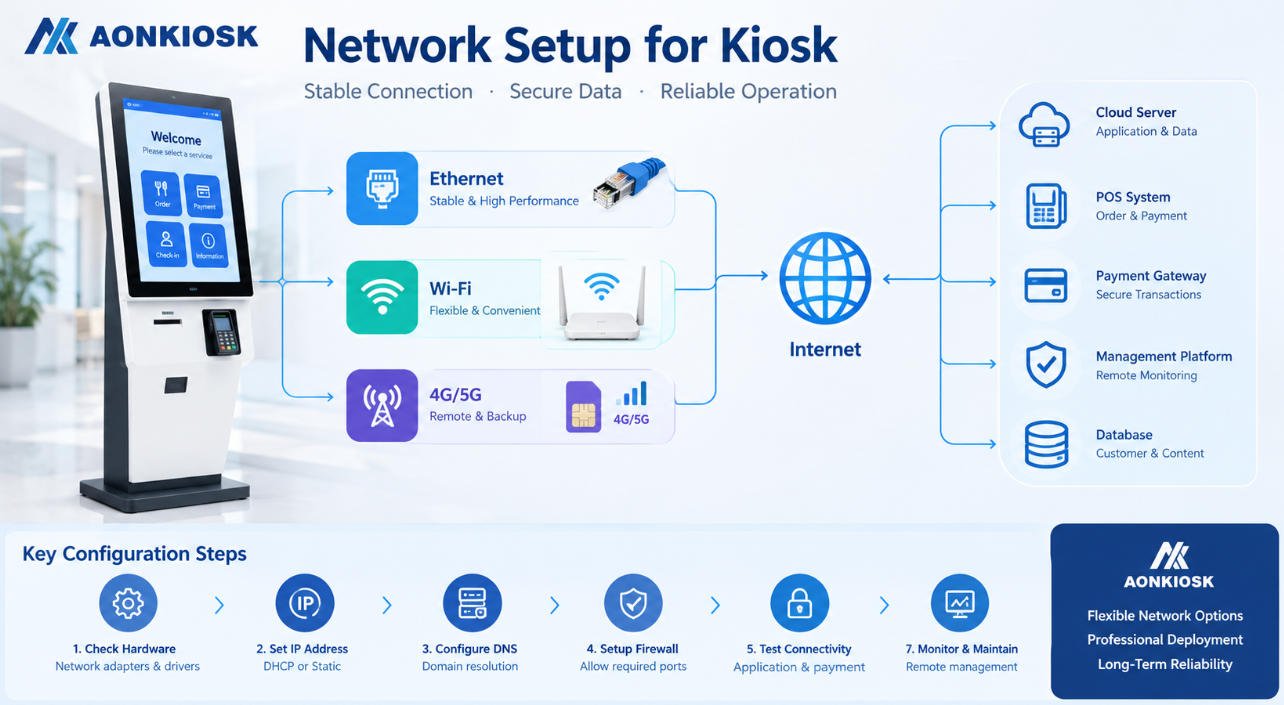
Define whether the customer needs a receipt printer, QR scanner, loyalty reader or payment-terminal mount. For the printer, specify paper width, roll capacity, cutter and access for refilling. For a payment terminal, provide the intended device model and confirm who supplies it. A bracket and cable path do not include a card-processing service.
Review the AONKIOSK restaurant self-ordering kiosk range to identify suitable starting platforms. Standard and customized options must be confirmed on the selected model’s quotation; not every optional module is included in every unit.
Software and POS Integration Need Their Own Budget
Ordering software controls what guests see and how orders reach the restaurant. Ask whether the proposed license covers menu setup, modifiers, taxes, language versions, loyalty, reporting and remote updates. Establish whether fees are per device, per restaurant or shared across a group.
POS integration can be a significant project task. Confirm compatible software versions, access to interfaces, menu synchronization, modifiers, stock availability and kitchen routing. Include real test cases: an unavailable item, a failed payment, a canceled order, a network interruption and an order that cannot reach the kitchen.
State who owns the problem when an order fails between systems. Hardware support, application support, restaurant IT and the payment provider may be separate parties. Budgeting for testing and an agreed escalation process is more useful than assuming that every component will work together immediately.
Installation Costs: Factory Delivery Is Not Store Readiness
Before comparing delivered prices, confirm freight terms, packaging dimensions, import-related costs and local delivery arrangements. A quote for equipment at the factory gate is not directly comparable with delivery, unloading and installation at each restaurant.
- Site preparation: available power, network coverage, cable routing and any counter or floor work.
- Physical installation: assembly, brackets, anchoring where required and maintenance clearance.
- Commissioning: application loading, printer and scanner tests, payment-provider checks and kitchen routing.
- Operational handover: staff training, paper replacement, cleaning instructions and fault reporting.
A pilot restaurant helps identify practical issues before a wider rollout. Test the layout during actual service, including access around the kiosk, screen visibility, printer refilling and staff intervention when a guest needs help.
Compare Three Configuration Scopes, Not Three Headline Prices
A third scope is a multi-site branded rollout, where prototype validation, approved configurations, spare parts and consistent production become important budget items. These are comparison scenarios, not fixed packages or price quotations. Request current prices against the same written configuration and quantities.
First-year budget = units × configured hardware price + one-time engineering and integration + delivery and installation + first-year software and support + expected operating costs. Avoid counting a license, installation service or payment device twice if it is already included in a bundled quotation.
For example, a plan for two kiosks at each of ten restaurants means 20 hardware units, but not necessarily 20 separate integration projects. Some setup costs may be shared; site visits and device subscriptions may repeat. Ask suppliers to identify which charges are per project, per location and per device.
What to Send for an Accurate Self-Order Kiosk Price
- Restaurant type, destination country, number of sites and units per site.
- Preferred mounting style, screen size and installation-space constraints.
- Ordering software, POS and kitchen-system names and versions.
- Required printer, scanner and locally supported payment-terminal model.
- Branding and mechanical changes, prototype quantity and rollout schedule.
- Required delivery scope, support responsibilities and spare-part plan.
Ask for an itemized configuration with standard and optional parts, one-time charges, recurring fees, quotation validity and exclusions. Use our kiosk quotation comparison guide for the broader supplier review and the general kiosk cost guide for manufacturing cost factors.
Frequently Asked Questions
Why does the same screen size have different self-order kiosk prices?
The computer, enclosure, mounting, printer, payment preparation, warranty scope and included services may differ. Screen size alone does not define an equivalent product.
Does the hardware price include ordering software?
Only if the quotation explicitly includes it. Separate the kiosk hardware, application license, menu setup and integration charges before approving the budget.
Is a prototype price the same as a production price?
Not necessarily. A prototype may include engineering and one-off fabrication. Request prototype, pilot-batch and production quotations separately.
Should a restaurant choose the lowest initial price?
Compare the complete service and configuration first. Maintenance access, software compatibility and available replacement parts can matter as much as the initial hardware saving.
Plan Your Restaurant Kiosk Configuration
Share your ordering workflow, software platform, payment device, mounting preference and quantity. AONKIOSK can review the hardware requirements and OEM/ODM customization scope before preparing a project-specific quotation.